Geekbench 3
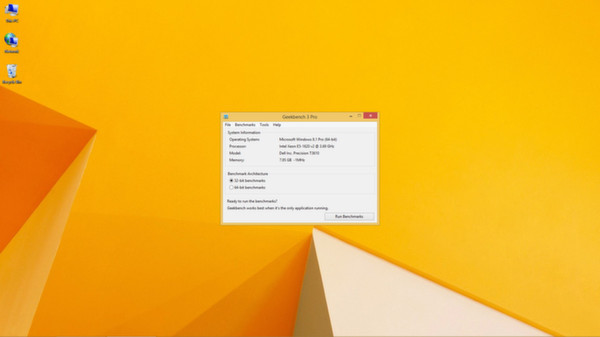
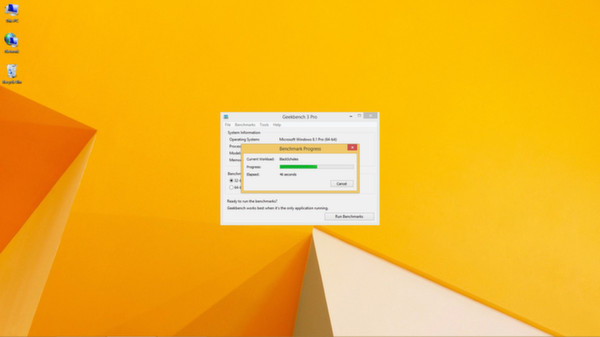
Geekbench is a cross-platform processor benchmark that provides a set of tests designed to quickly and accurately measure processor performance. Geekbench makes benchmarks easy to run and easy to understand.
Give feedback or send a smile 😊 here and check out these great games:




If you'd like to promote your game here just send a letter to [email protected]
The top results based on the latest update are SteamVR Performance Test [Score: 0.7], EzBench Benchmark [Score: 0.5] and Evolve Benchmark [Score: 0.4] The top rated games you can find here are OBS Studio [SteamPeek Rating: 9.0] ranked #6, fpsVR [SteamPeek Rating: 7.3] ranked #18 and SteamVR Performance Test [SteamPeek Rating: 6.4] ranked #1 Also don't forget to check the newest releases Dock Doctor [Release date: 2026-07-19] ranked #7, OCCT [Release date: 2025-06-24] ranked #10 and Evolve Benchmark [Release date: 2025-03-23] ranked #3 While it is tempting to play with the newest and the best, there might be some other gems in the results, like fpsVR [SteamPeek Rating: 7.3] ranked #18, CPUCores :: Maximize Your FPS [SteamPeek Rating: 5.9] ranked #19 and.
Geekbench is a cross-platform processor benchmark that provides a set of tests designed to quickly and accurately measure processor performance. Geekbench makes benchmarks easy to run and easy to understand.
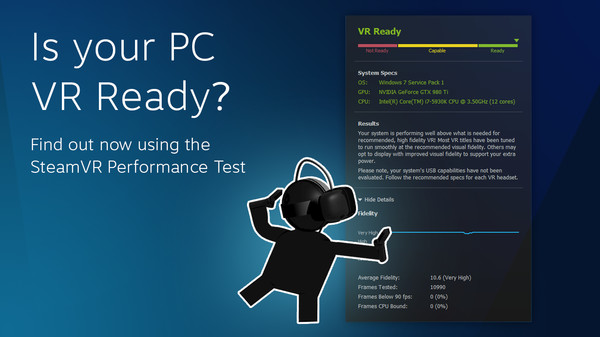
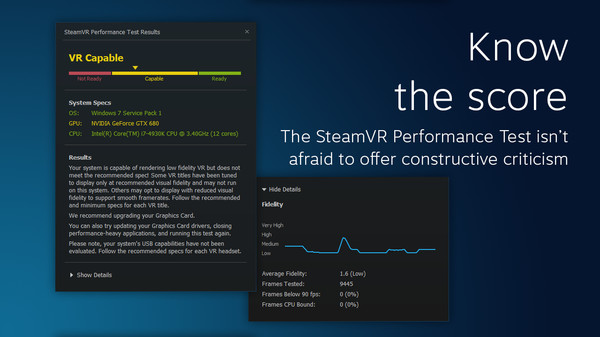
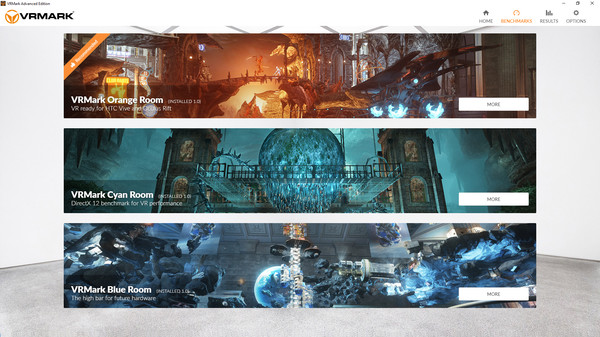
Check whether your system is VR Ready, and if not, whether its capabilities are bound by Graphics Card, CPU, or both.
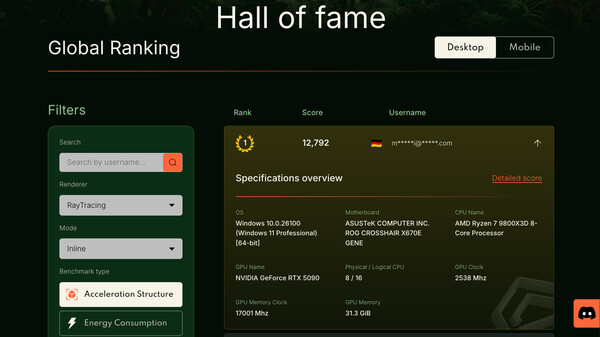
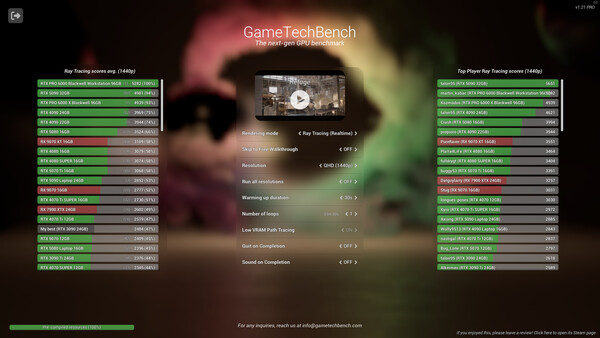
Next Generation Graphics Benchmarking tool. Test your computer versus 8K textures, Cinematic quality assets and raytracing. Guaranteed to make your computer sweat. Based on Unreal Engine 5.
Created by experienced game developers, Evolve is a comprehensive benchmarking tool for performance verification and power efficiency. Evolve leverages industry-insider knowledge to offer game-like testing for gamers and overclockers who want to dive deeper, pushing the limits of modern hardware.
Catzilla - Advanced version - tests and recommendations for gamers.Features: custom tests, recommendations, archiving and comparing historical results. These options are not available in FREE and BASIC versions. Tests are focused to check all computer components simultaneously (not only GPU).
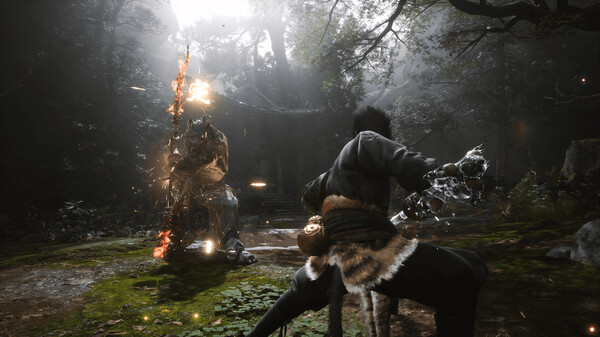
The "Black Myth: Wukong Benchmark Tool" is a PC benchmark application specifically developed for "Black Myth: Wukong". It evaluates your hardware performance and system compatibility through the real-time rendering of an in-game sequence.
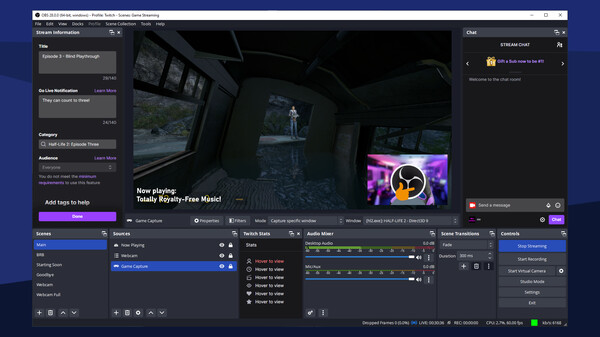
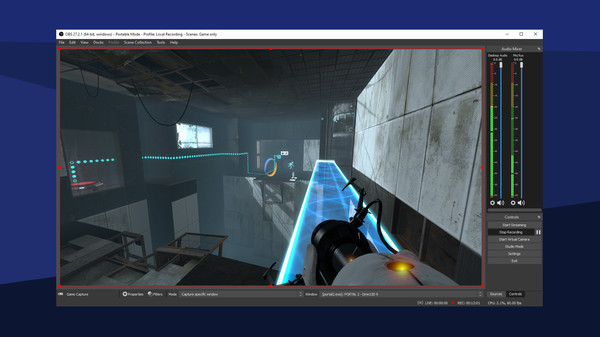
Free and open-source software for video recording and live streaming
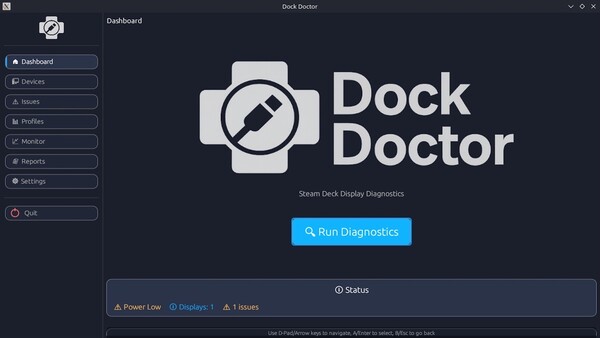
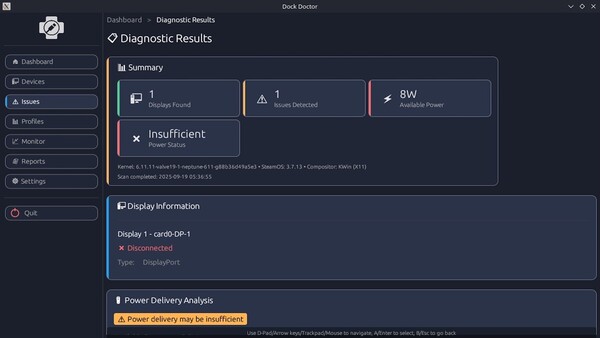
Diagnose and fix Steam Deck & Linux dock issues in seconds - black screens, missing audio, no internet, power or HDR/VRR quirks. Native, safe, and fast.
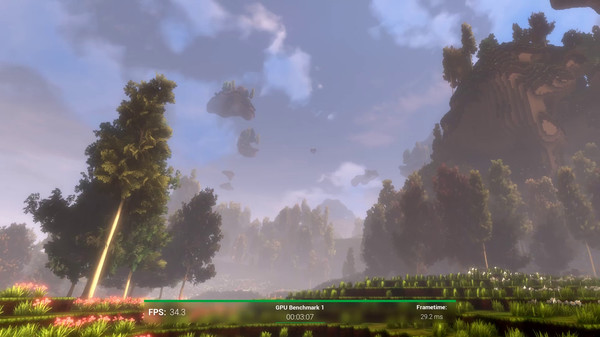
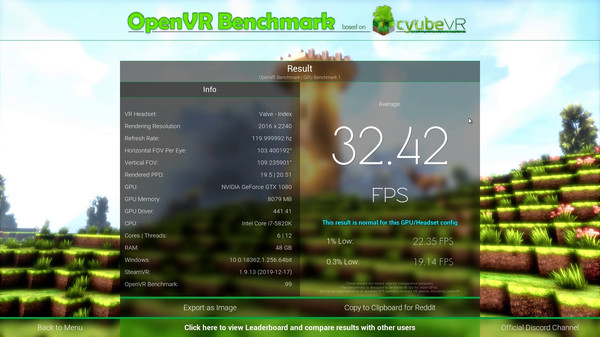
Benchmark your VR setup - OpenVR Benchmark is the first benchmark tool for reproducibly testing your real VR performance, rendering inside of your VR headset. See if your hardware performs correctly! VR headset required.
Dive into your video archive with instant tiling via simple mouse controls. Find out how many videos your machine can play simultaneously.
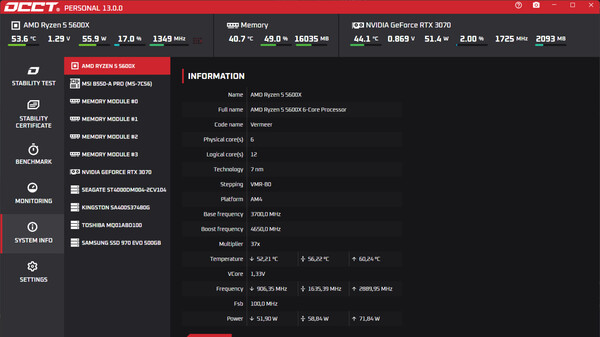
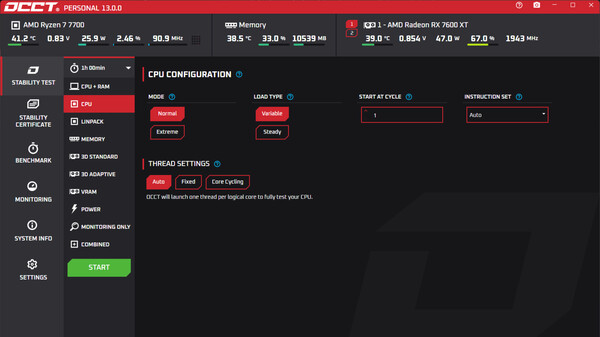
OCCT is the gamer's favorite app for stress testing their PC or Steam deck components and check for errors ! Find out if your latest crash is due to a hardware malfunction or yet another game bug, and see all monitoring and system information in an easy-to-use interface.
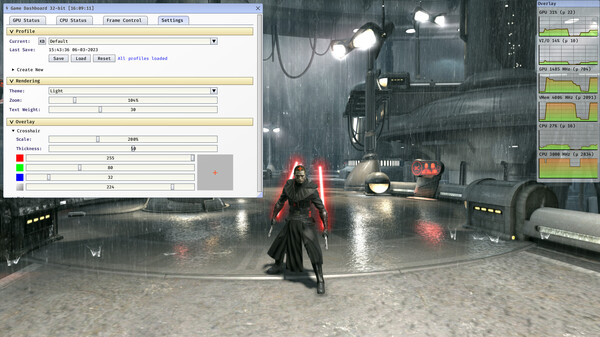
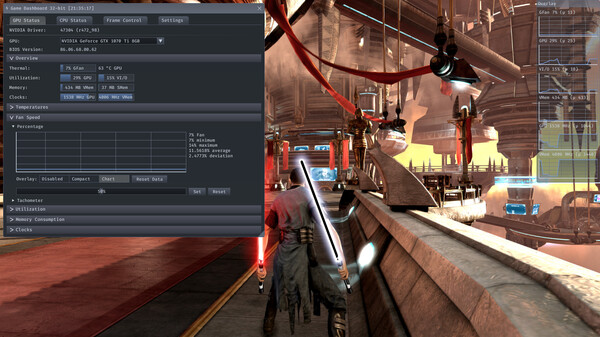
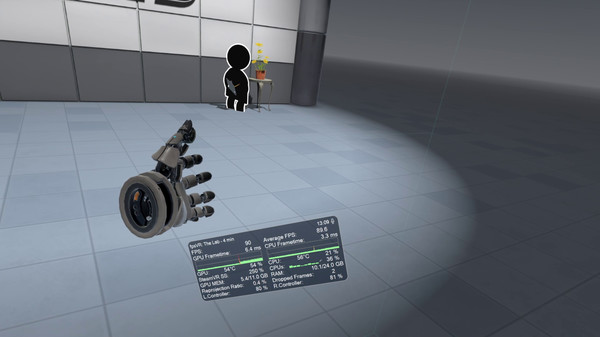
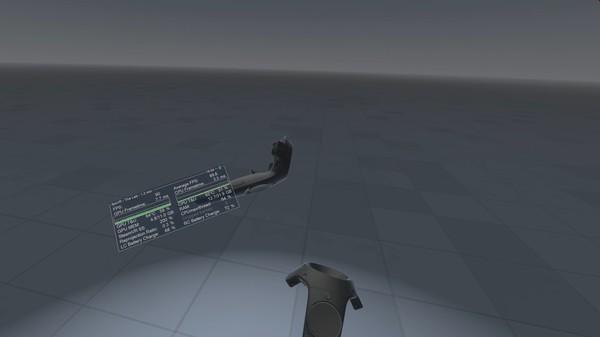
Practical overlay for games and other 3D applications, with convenient in-game tweaks (smoothness, performance). Advanced framerate/latency control; CPU and GPU status. For enthusiasts, professionals, developers...
DAO ranks whatever you've in Steam, whatever you've ever envisioned all in DAO!
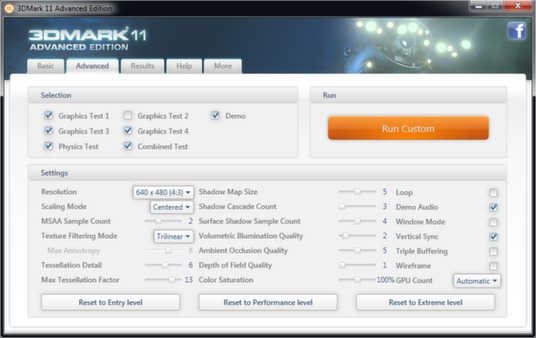
Test your PC's performance with 3DMark, the world's most popular gaming benchmark and graphics test.
PCMark 10 is the latest version in our series of industry standard PC benchmarks. Updated for Windows 10 with new and improved tests, PCMark 10 is also faster and easier to use. It's the complete benchmark for your Windows PC.
A high-performance benchmark powered by Unreal Engine 5 to measure your GPU's power in real-world gaming conditions and in offline cinematic rendering.
Give feedback or send a smile 😊 here and check out these great games:
If you'd like to promote your game here just send a letter to [email protected]
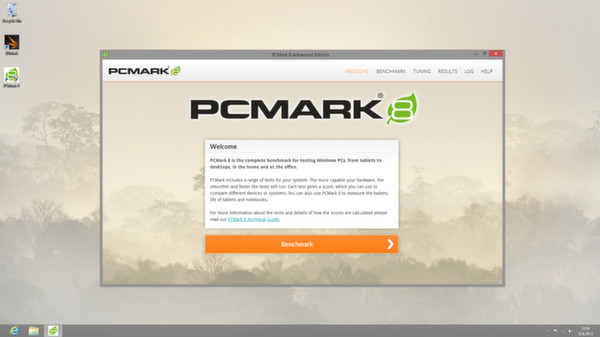
You've tested your PC's gaming performance with 3DMark so what's next? Benchmark total system performance with PCMark 8, the complete benchmark for Windows. PCMark 8 includes five performance benchmarks plus battery life tests for notebooks and laptops.
Utility for SteamVR for keeping track of FPS, frame time and other performance metrics in the in-game overlay. Easily change SteamVR settings in the fpsVR settings overlay in the SteamVR dashboard. Headset cable twist tracking and other useful features.
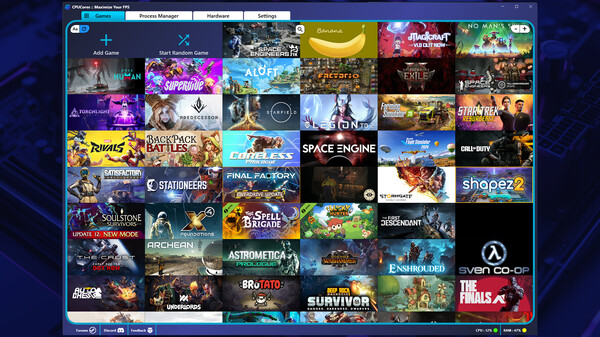
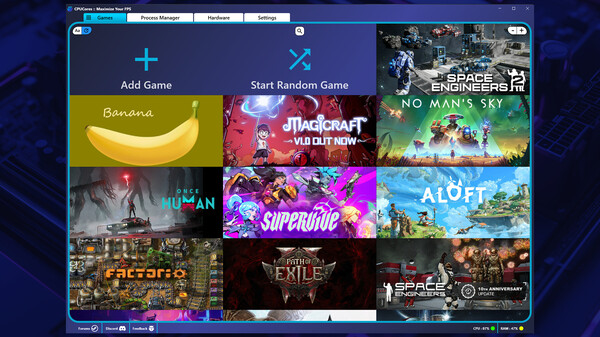
Maximize your FPS :: Use CPUCores to isolate and constrain OS + non-game processes and dedicate CPU resources to be used exclusively for your games! CPUCores fully integrates with all Steam games!

Promote your game here: [email protected]












SteamPeek game discovery displays many games, some with adult content.
By choosing YES and using this website you are affirming that you are at least 18 years of age or the age of majority in each and every jurisdiction in which you will or may view adult material, whichever is higher; such materials doesn't offend you; and viewing the adult material is legal in each and every community where you choose to view it. Also the material you are viewing is for your own personal use and you will not expose any minors to the material.
The detection of adult content is not perfect. If you don't accept this, please go back, or close this page.