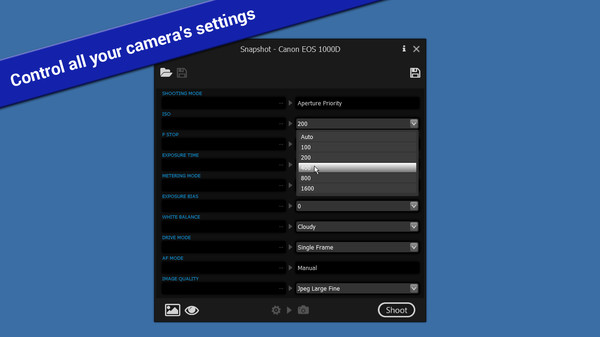
Snapshot - DSLR Camera Control
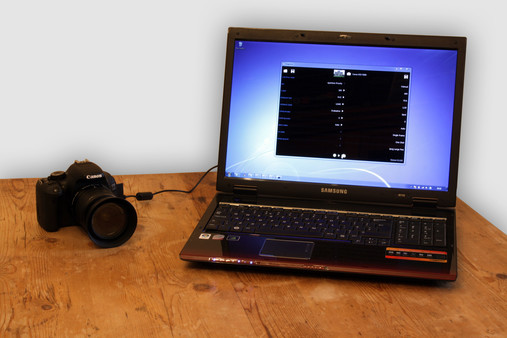
Remotely control your digital SLR camera while tethered to your computer.
Give feedback or send a smile 😊 here and check out these great games:




If you'd like to promote your game here just send a letter to [email protected]
The top results based on the latest update are Movavi Picverse - Photo Editing Software [Score: 0.5], Movavi Photo Editor 2024 [Score: 0.5] and Movavi Video Suite 2024 Steam Edition [Score: 0.5] The top rated games you can find here are YoloMouse - Cursor Changer [SteamPeek Rating: 6.8] ranked #9, Movavi Video Suite 18 - Video Making Software - Edit, Convert, Capture Screen, and more [SteamPeek Rating: 5.3] ranked #4 and Movavi Video Editor Plus 2021 - Video Editing Software [SteamPeek Rating: 5.0] ranked #18 Also don't forget to check the newest releases Movavi Video Editor 2025 [Release date: 2024-11-23] ranked #21, Movavi Video Suite 2024 Steam Edition [Release date: 2023-12-18] ranked #3 and Movavi Video Editor 2024 [Release date: 2023-11-19] ranked #16 While it is tempting to play with the newest and the best, there might be some other gems in the results, like Movavi Video Suite 17 - Video Making Software - Video Editor, Video Converter, Screen Capture, and more [SteamPeek Rating: 4.8] ranked #12, Movavi Video Editor Plus 2021 - Video Editing Software [SteamPeek Rating: 5.0] ranked #18 and.
Remotely control your digital SLR camera while tethered to your computer.
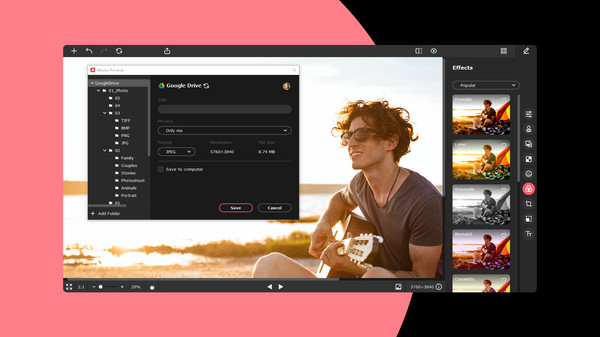
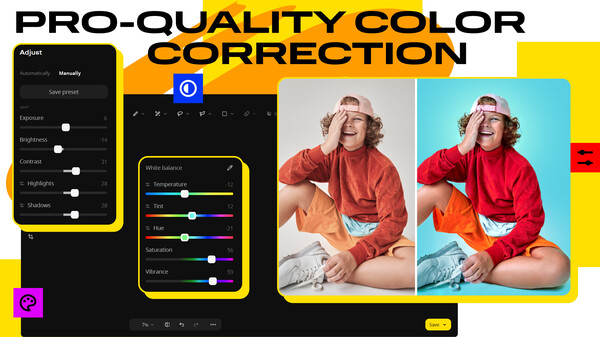
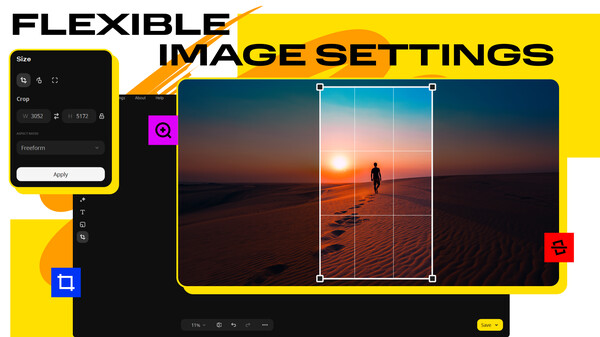
Movavi Picverse is an AI-based app that will let you take advantage of basic and advanced photo editing. Get rid of blur and noise, adjust colors, and sort thousands of pictures on your computer. You can also resize and scale up pictures without losing quality and then save them in any format.
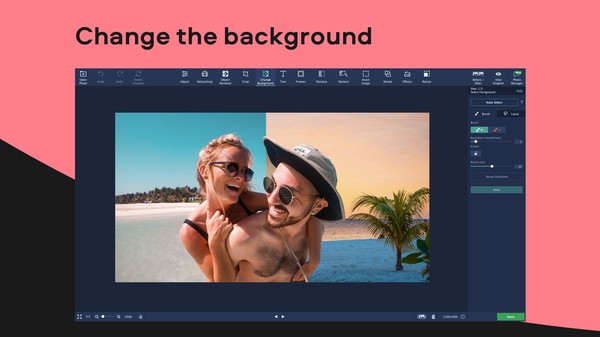
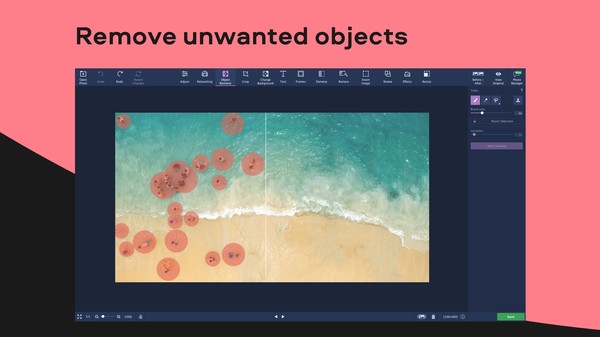
Easily create photos everyone will fall in love with: retouch skin to create stunning portraits, remove unwanted objects to get the perfect composition, change backgrounds to travel anywhere in the world. Have fun with filters and AI-powered tools to create scroll-stopping photos in a snap.
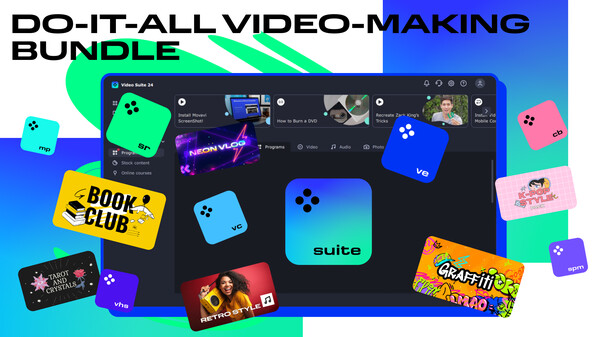
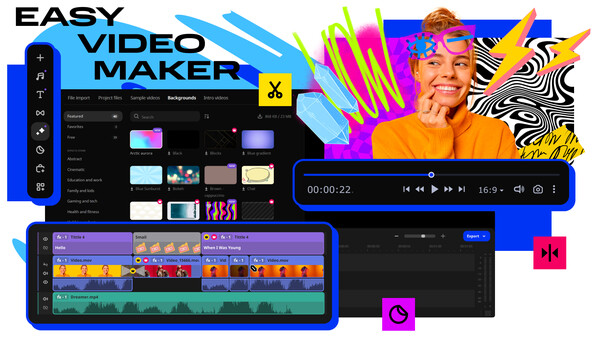
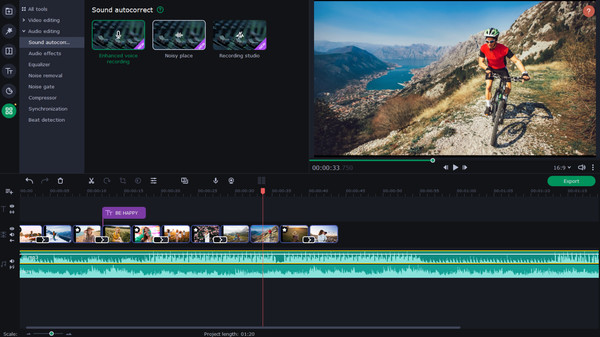
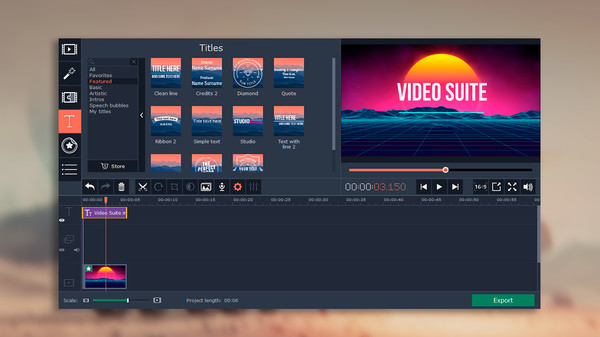
Create awesome video projects easily in your do-it-all video-making bundle: a video editor, media converter, screen recorder, and more. Elevate your video creation experience with a wide set of tools that’ll make your content stand out.
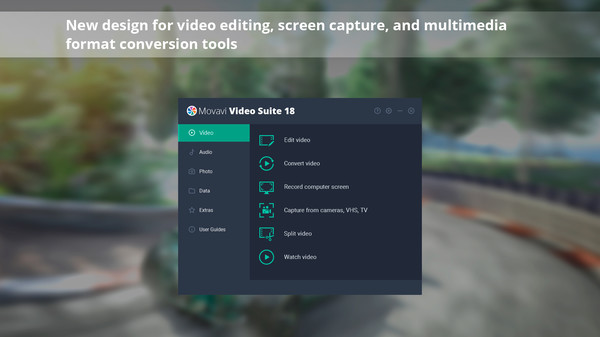
Movavi Video Suite is a must have for anyone who wants all the top-notch video editing tools in one app. Take your video editing to the next level with these advanced tools, capture screen activity at optimal quality, convert gameplay and videos between 180 formats in an instant & much more
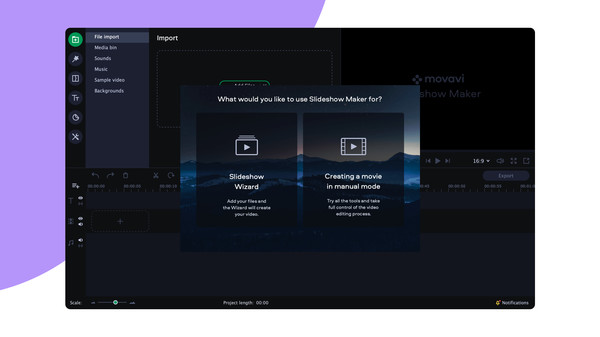
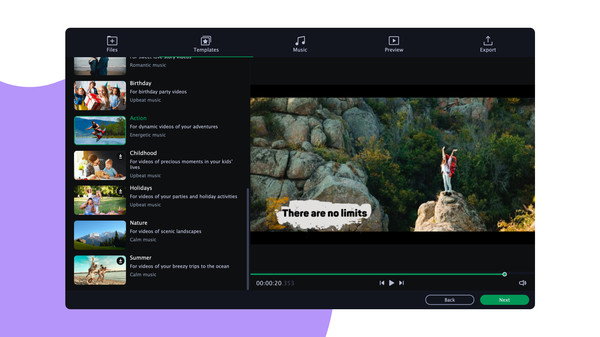
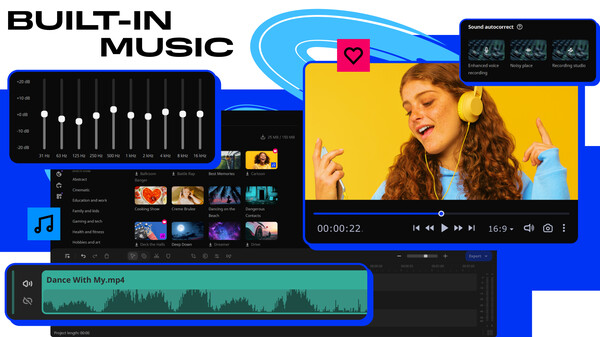
Turn your favorite photos and videos into a captivating slideshow. Add music, special effects, transitions, and stickers, then upload the results to YouTube right from within the program. Creating and sharing videos with Movavi is as easy as 1-2-3!
Turn your favorite photos and videos into a captivating slideshow. Add music, special effects, transitions, and comic stickers to make your presentation even more engaging. Then share your result with friends or upload on YouTube right from within the program.
Restore family photos, retouch selfies, remove unwanted objects, and change backgrounds. The program improves every picture with ease. Thanks to the smooth new design, you will easily get grips with the program and start editing.
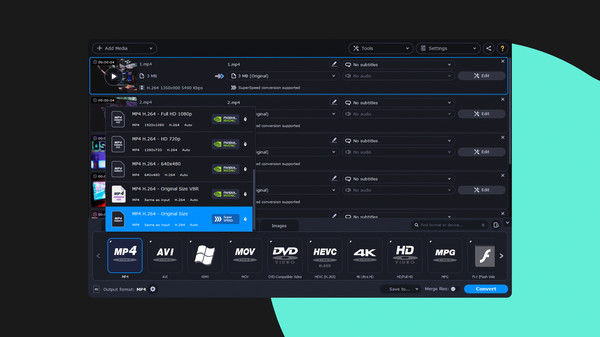
Change file formats, reduce your media file size, and convert movies to watch on your smartphone or tablet. Add colorful filters and convert TV series in SuperSpeed mode in no time.
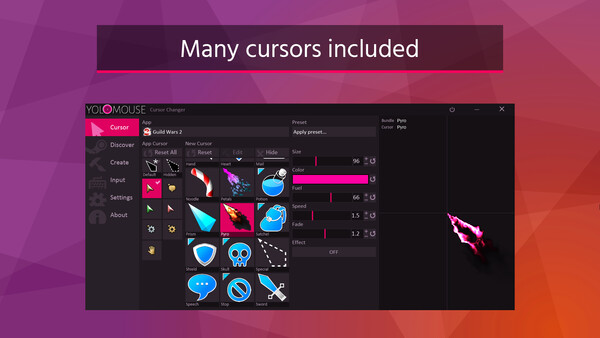
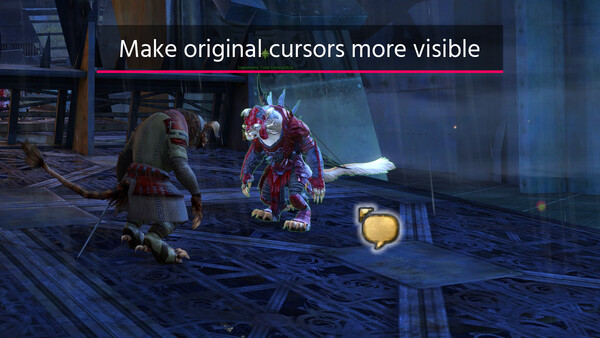
Make your game or app cursor stylish and always visible. Replace, resize, recolor, and enhance with effects and animated styles. Create and share via Steam Workshop.
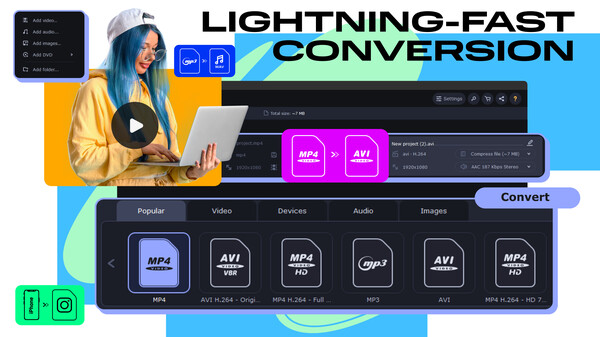
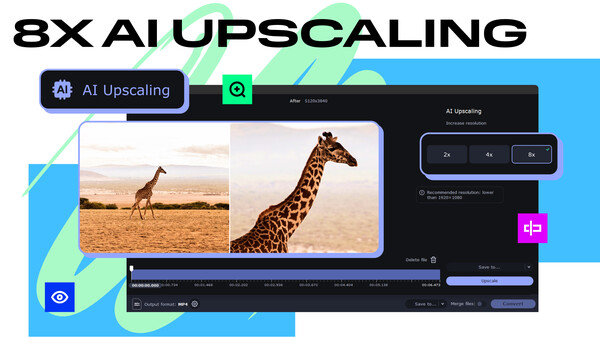
Need to convert media files fast? Here's your go-to converter for changing video, audio, and image file formats in a flash. Take advantage of the 180+ formats for conversion to ensure your files can be used on any device. Effortlessly improve the quality of your media with powerful AI tools.
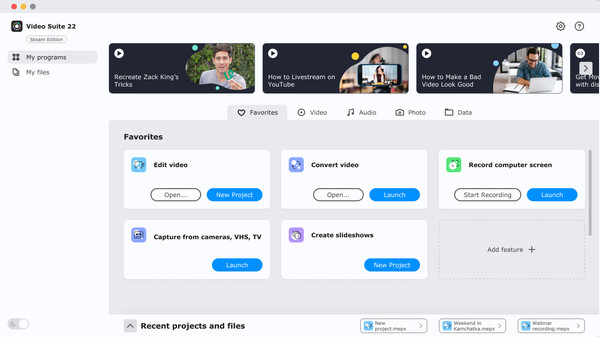
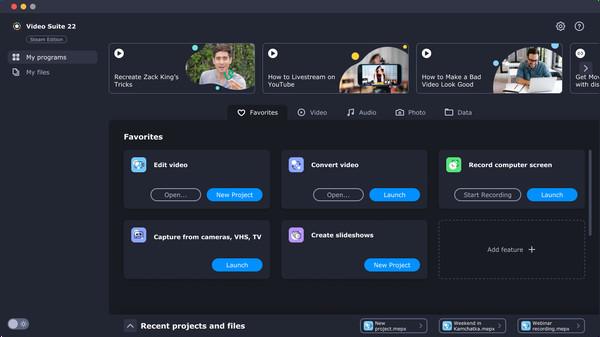
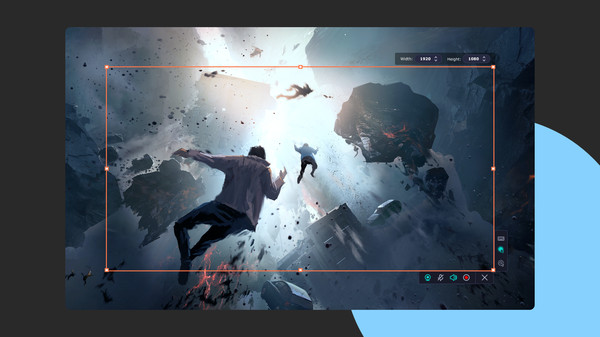
Movavi Video Suite is an all-in-one app that will help you create your own video editing ecosystem. You can record your computer screen, edit a video and then convert it to any format you want. Thanks to the handy interface, you can use the program even if you’re a beginner.
Easily manage all your media files with this ultimate collection of Movavi’s top apps: join and edit videos, capture desktop activity, digitize videotapes, and convert files between 180+ different formats.
Movavi Video Suite is the perfect way to get all the tools you need in a single app. Create your own video stories, convert gameplay and other footage between 180 different formats in no time, capture screen activity, play videos, and much more.
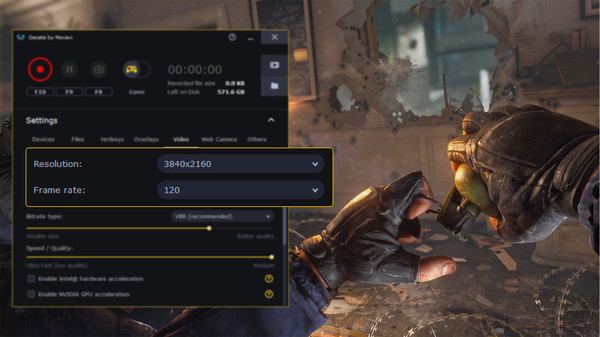
Gecata by Movavi is a lightweight game recorder for PCs that lets you capture gameplay or a full-screen Windows desktop with one click and no lags.
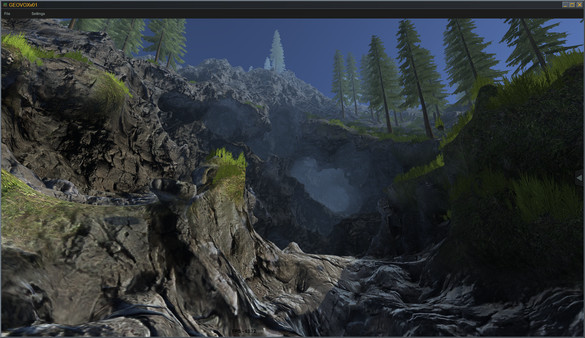
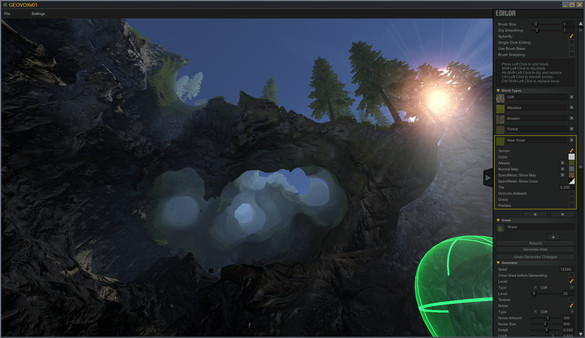
GeoVox is the latest application by Axis Game Factory, Inc. GeoVox is a completely new stand-alone Voxel based real-time terrain creation tool. Instantly create lush AAA quality environments from the start; carve, sculpt, and generate scenes like never before! Build, Play & Share.
Give feedback or send a smile 😊 here and check out these great games:
If you'd like to promote your game here just send a letter to [email protected]
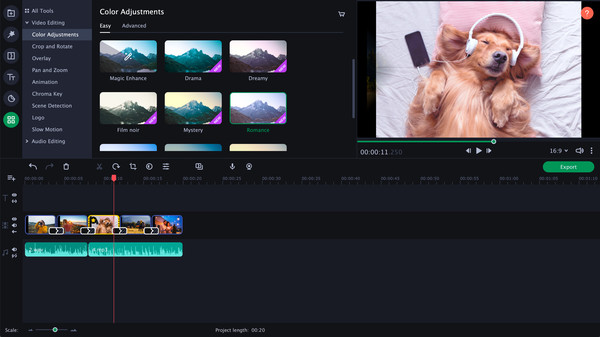
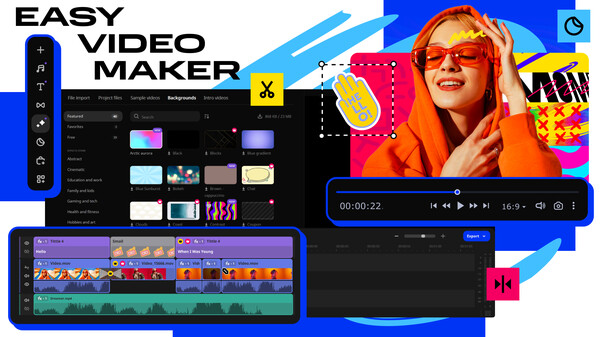
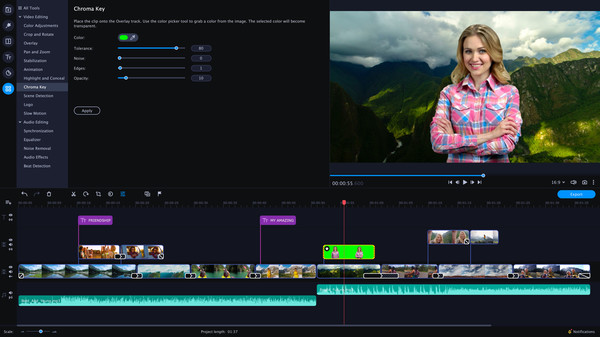
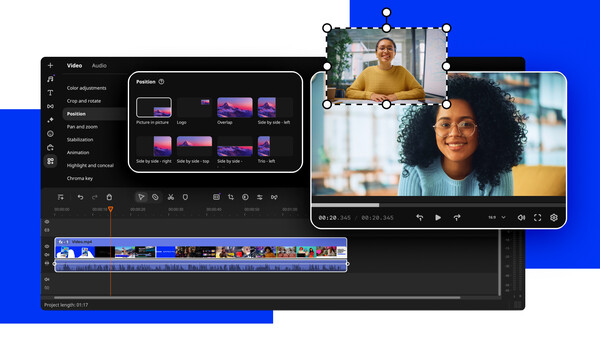
Your simple yet powerful editor for creating wow videos. Whether you’re creating immersive walkthroughs, exciting game highlights, or engaging Let's Plays, Movavi Video Editor has you covered with must-have editing tools and dynamic special effects to give your content some extra zing.
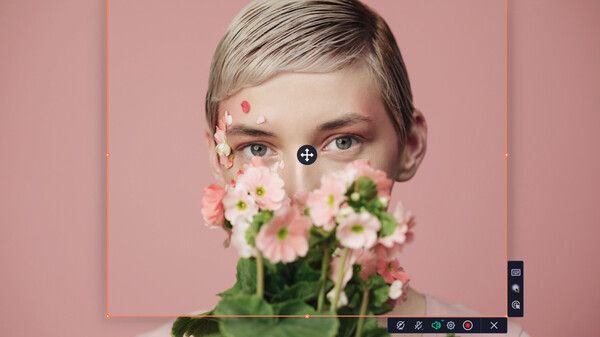
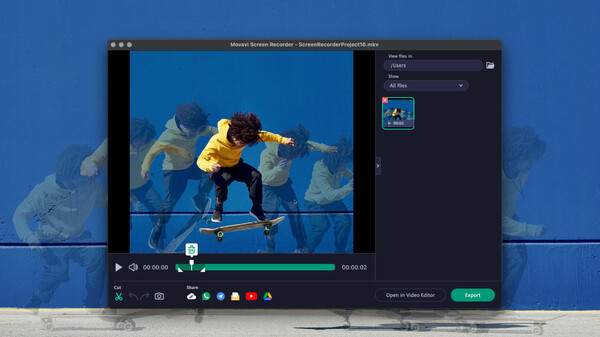
Movavi Screen Recorder is the perfect time saver for remote work and classes. Capture webinars and online calls, record video instructions and tutorials, grab streaming videos and online events. Share your videos on YouTube or upload them to Google Drive.
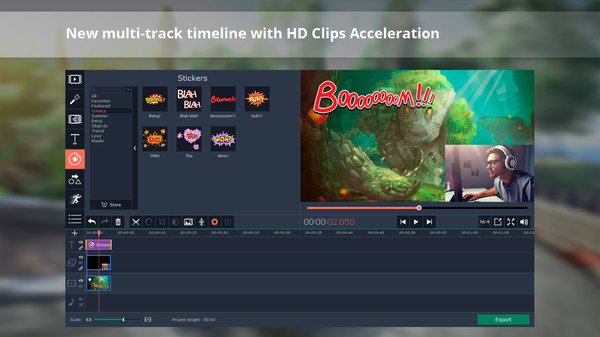
Partner with Movavi Video Editor Plus 2021 and create your own video stories! Edit your footage on the handy multi-track timeline, apply professional special effects, and upload the results to YouTube right from the program. Video editing with Movavi gives you true creative freedom.
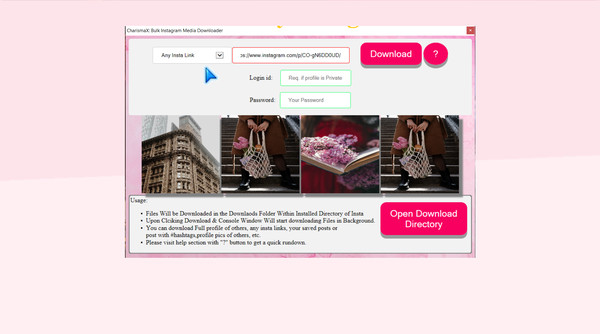
Charisma X: Bulk Instagram Media Downloader is a software for downloading Instagram profile, photos, videos, your saved post or insta feed or any specific insta item in matter of seconds with just a simple click. etc in bulk with single click.
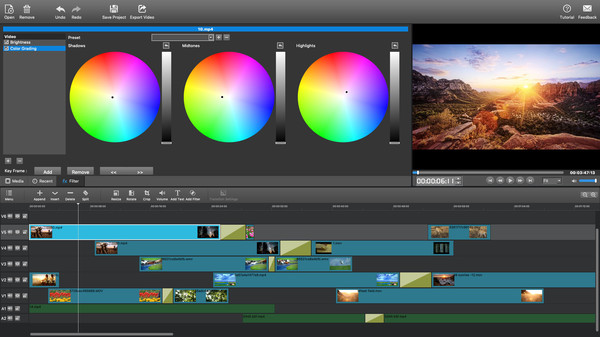
MovieMator Video Editor Pro is a handy and useful video editing software. It easily creates a variety of eye-catching animation effects with keyframes and provides the basic editing features like trimming, cropping, splitting, rotating, adding subtitle.
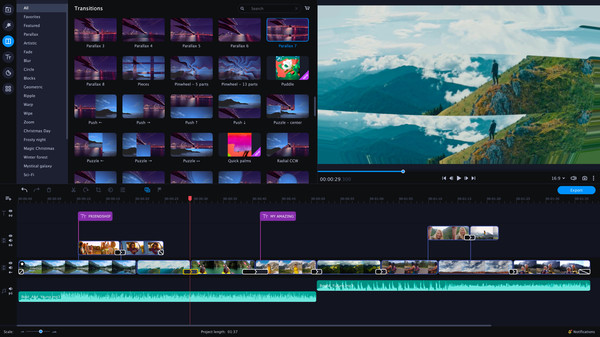
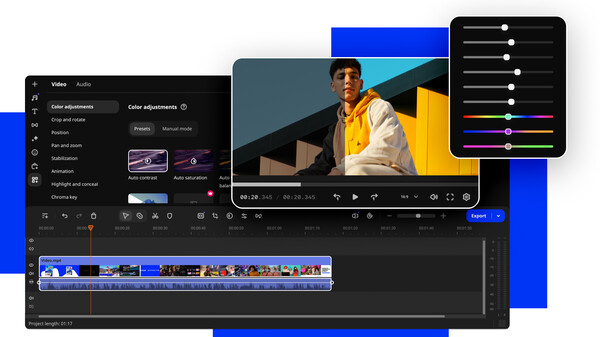
Your simple yet powerful editor for creating wow videos - Fast and easy editing: cut, crop, adjust colors and speed - One-click AI tools: auto subtitles, noise removal, and more - Hundreds of filters, transitions, titles, overlays

Promote your game here: [email protected]




SteamPeek game discovery displays many games, some with adult content.
By choosing YES and using this website you are affirming that you are at least 18 years of age or the age of majority in each and every jurisdiction in which you will or may view adult material, whichever is higher; such materials doesn't offend you; and viewing the adult material is legal in each and every community where you choose to view it. Also the material you are viewing is for your own personal use and you will not expose any minors to the material.
The detection of adult content is not perfect. If you don't accept this, please go back, or close this page.