VEGAS Pro Edit 21 Steam Edition
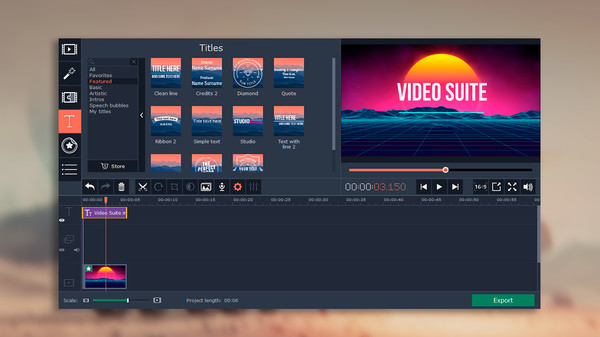
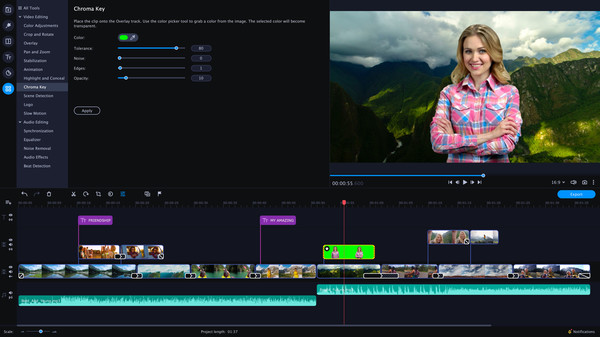
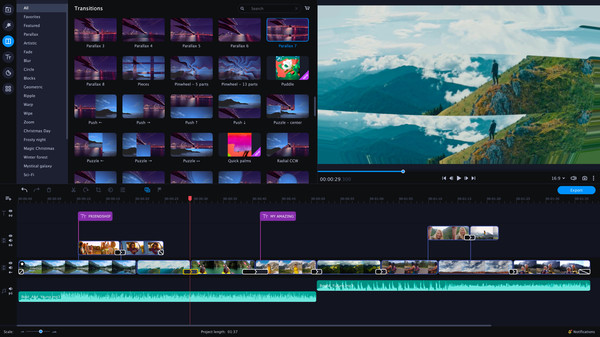
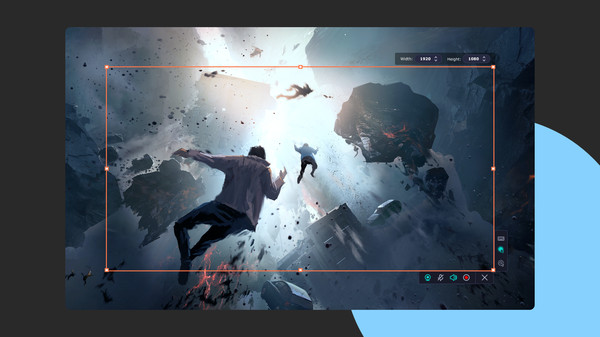
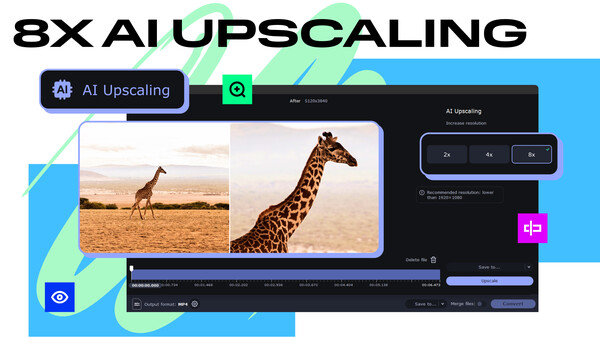
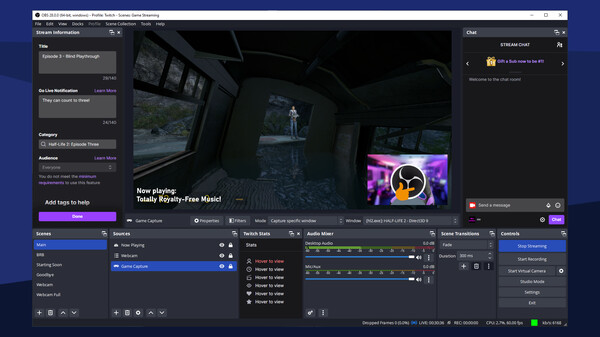
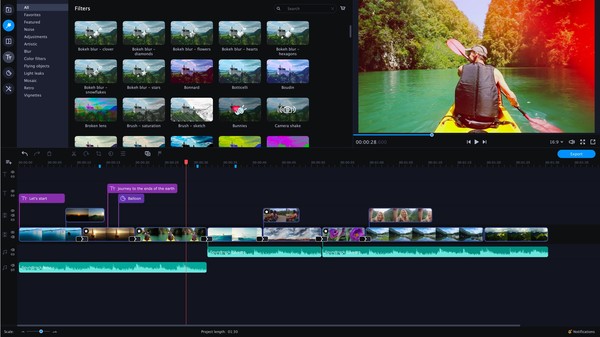
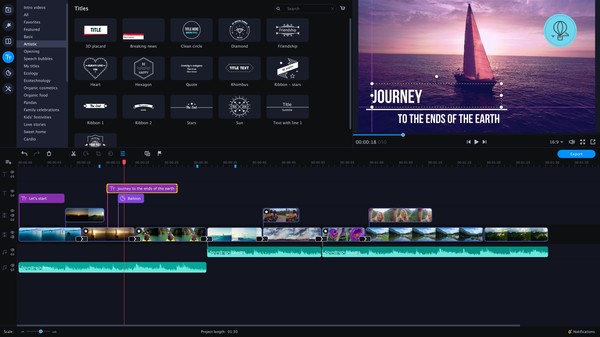
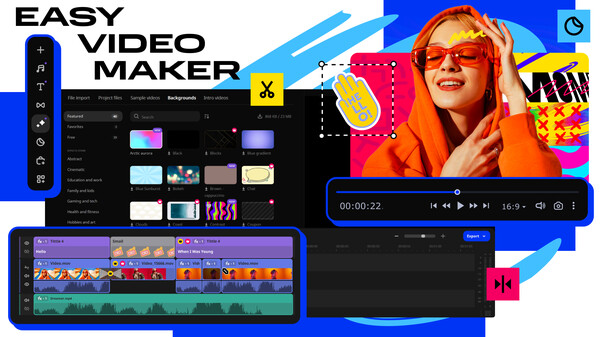
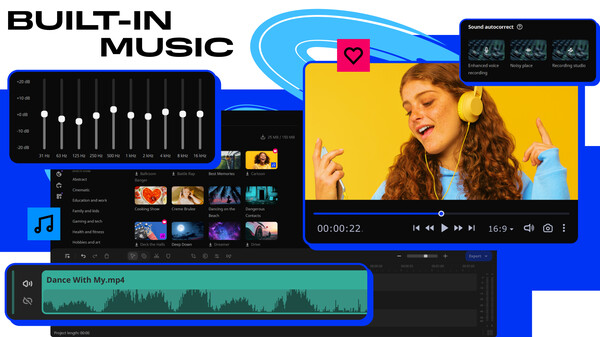
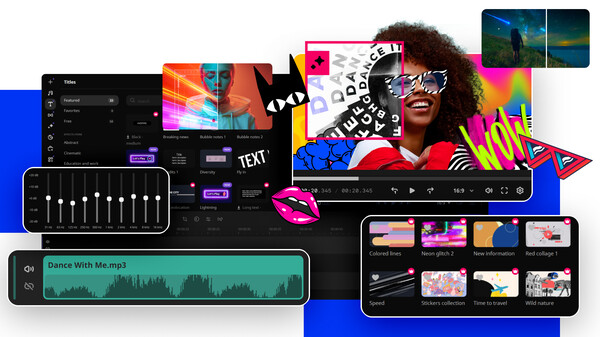
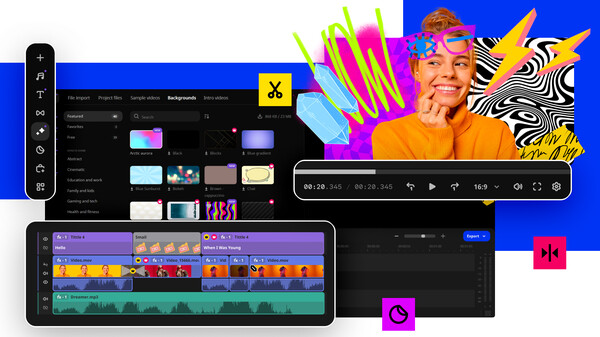
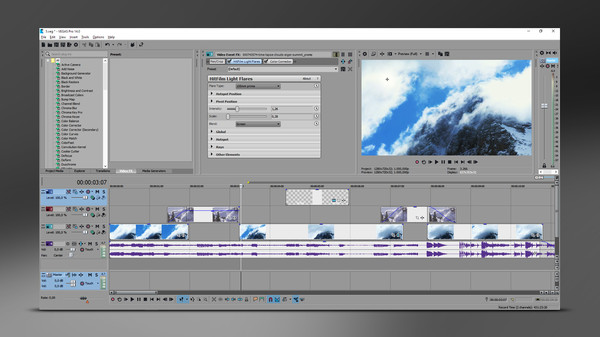
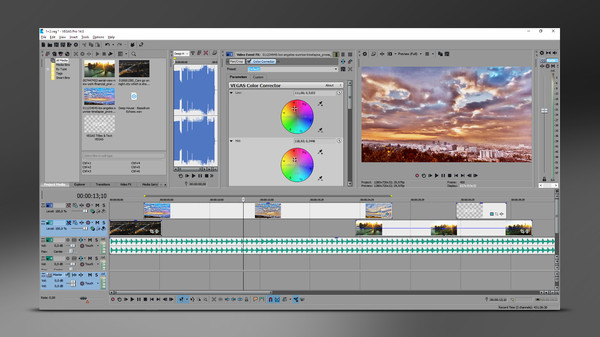
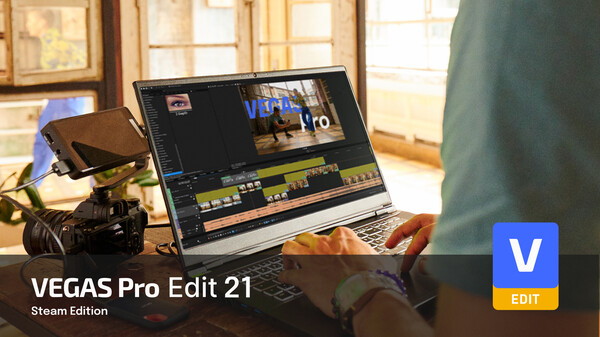
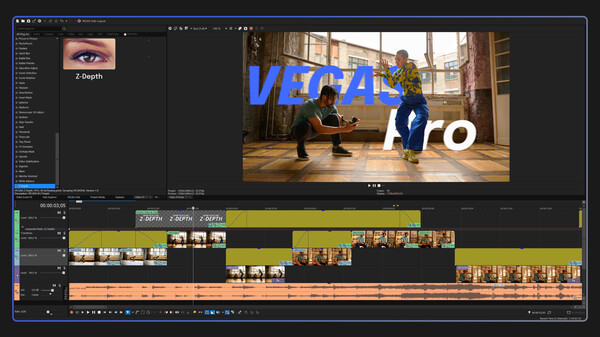
VEGAS Pro Edit 21 Steam Edition. The creative standard for video and audio. Intuitive software that will turn your stream highlights and gameplays into engaging and entertaining videos.
Give feedback or send a smile 😊 here and check out these great games:




If you'd like to promote your game here just send a letter to [email protected]
The top results based on the latest update are Movavi Video Suite 17 - Video Making Software - Video Editor, Video Converter, Screen Capture, and more [Score: 0.7], Movavi Video Converter Premium 19 [Score: 0.7] and Movavi Video Suite 2024 Steam Edition [Score: 0.7] The top rated games you can find here are Source Filmmaker [SteamPeek Rating: 9.6] ranked #22, OBS Studio [SteamPeek Rating: 9.0] ranked #17 and VEGAS Pro 14 Edit Steam Edition [SteamPeek Rating: 5.9] ranked #24 Also don't forget to check the newest releases Forepaper Engine [Release date: 2025-10-30] ranked #35, Multiplicity 4 [Release date: 2025-09-16] ranked #26 and Multiplicity 4 Pro [Release date: 2025-09-16] ranked #25 While it is tempting to play with the newest and the best, there might be some other gems in the results, like Movavi Video Editor Plus 2021 - Video Editing Software [SteamPeek Rating: 5.0] ranked #13, OBS Studio [SteamPeek Rating: 9.0] ranked #17 and Movavi Video Editor Plus 2020 - Video Editing Software [SteamPeek Rating: 5.5] ranked #18.
VEGAS Pro Edit 21 Steam Edition. The creative standard for video and audio. Intuitive software that will turn your stream highlights and gameplays into engaging and entertaining videos.
Hey hey, gamers! Get ready to level up your video editing game with VEGAS Pro Edit 21 Steam Edition! This software is your ultimate tool for crafting epic videos that will make your stream highlights and gameplays shine like diamonds in the rough. Dive into a world of creativity and fun as you transform your content into masterpieces that will keep your audience coming back for more. With VEGAS Pro Edit 21 Steam Edition, you'll be on your way to editing greatness faster than you can say "PogChamp"! Let's get editing, fam!
~ GameGal, #AI #review #inaccurate #fun
Easily manage all your media files with this ultimate collection of Movavi’s top apps: join and edit videos, capture desktop activity, digitize videotapes, and convert files between 180+ different formats.
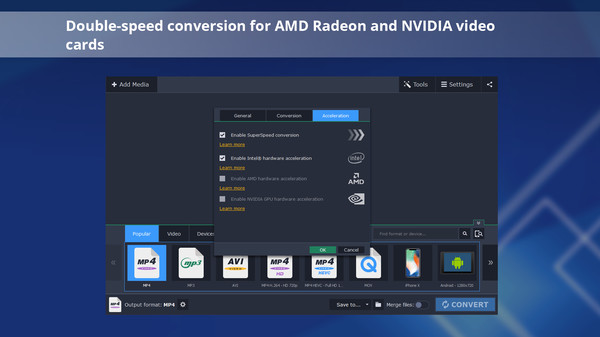
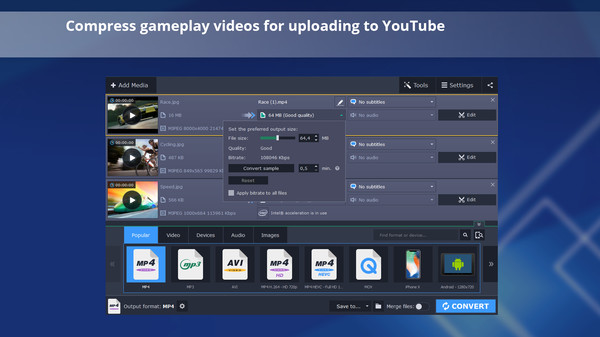
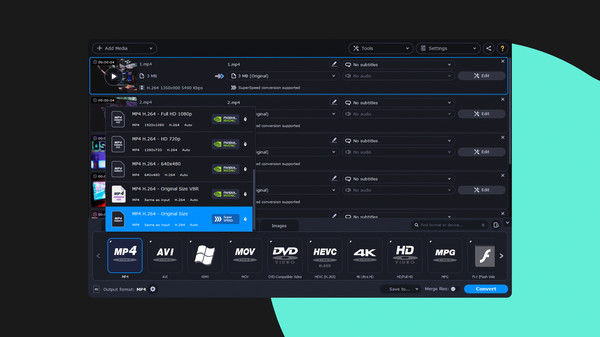
Reduce the size of gameplay and other videos for uploading online or storing on disk, trim your footage instantly without the need to convert it, and change the file format in the blink of an eye thanks to SuperSpeed mode.
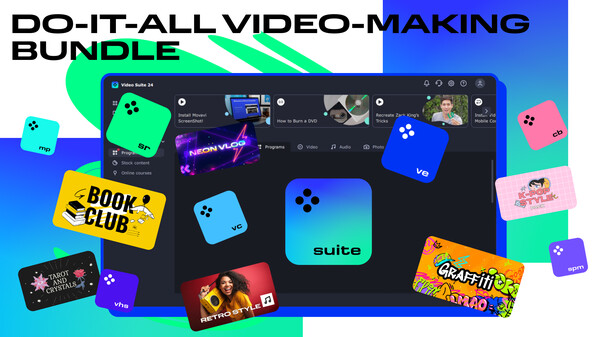
Create awesome video projects easily in your do-it-all video-making bundle: a video editor, media converter, screen recorder, and more. Elevate your video creation experience with a wide set of tools that’ll make your content stand out.
Movavi Video Suite 2020 Steam Edition is the perfect tool for anyone learning how to create and edit videos. Convert gameplay and other videos between 180 formats in an instant, and much more.
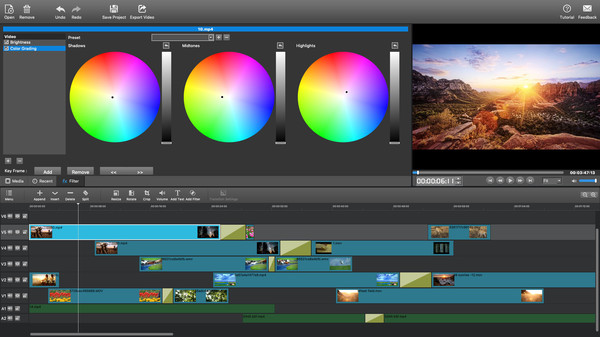
MovieMator Video Editor Pro is a handy and useful video editing software. It easily creates a variety of eye-catching animation effects with keyframes and provides the basic editing features like trimming, cropping, splitting, rotating, adding subtitle.
Movavi Video Suite is a must have for anyone who wants all the top-notch video editing tools in one app. Take your video editing to the next level with these advanced tools, capture screen activity at optimal quality, convert gameplay and videos between 180 formats in an instant & much more
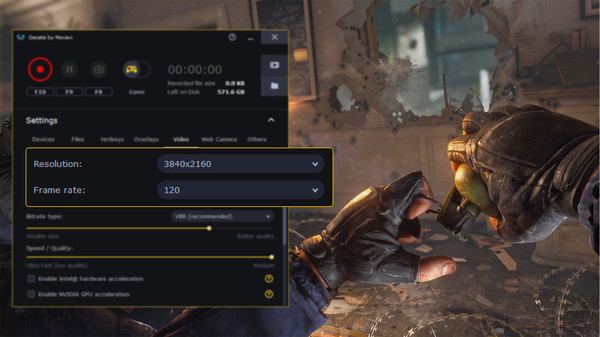
Gecata by Movavi is a lightweight game recorder for PCs that lets you capture gameplay or a full-screen Windows desktop with one click and no lags.
Bring your ideas to life with the advanced tools of Movavi Video Editor Plus! Turn your videos into professional video blog postings, with custom intros and special effects. Upload the results to YouTube right from the program and start on your road to video gaming stardom.
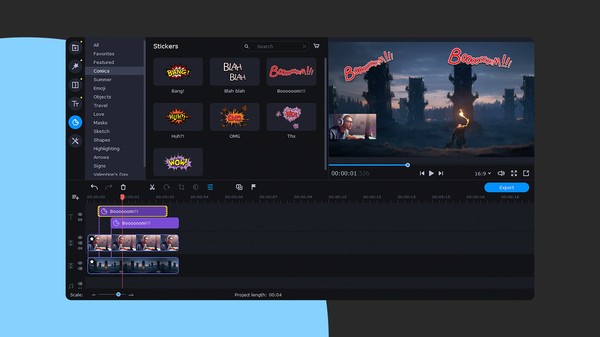
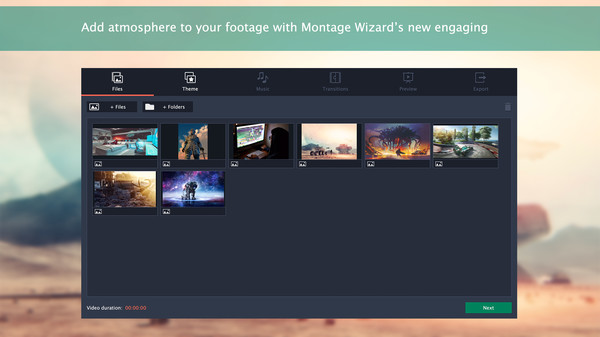
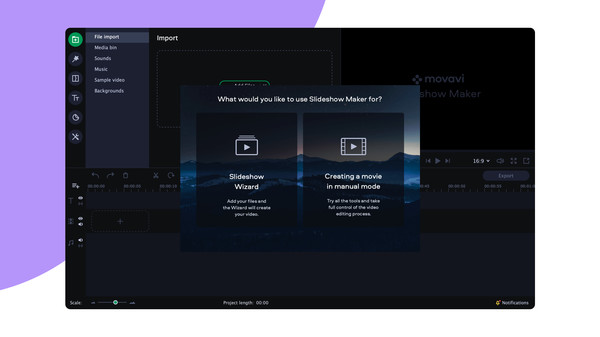
Turn your favorite photos and videos into a captivating slideshow. Add music, special effects, transitions, and comic stickers to make your presentation even more engaging. Then share your result with friends or upload on YouTube right from within the program.
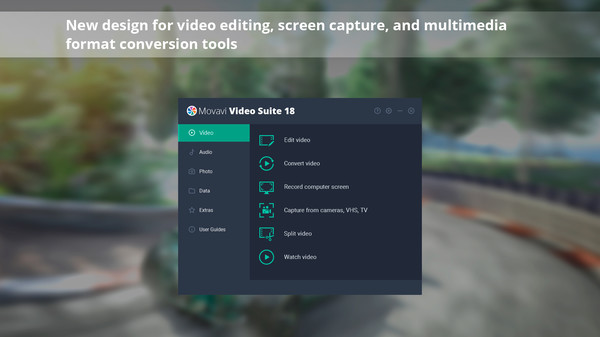
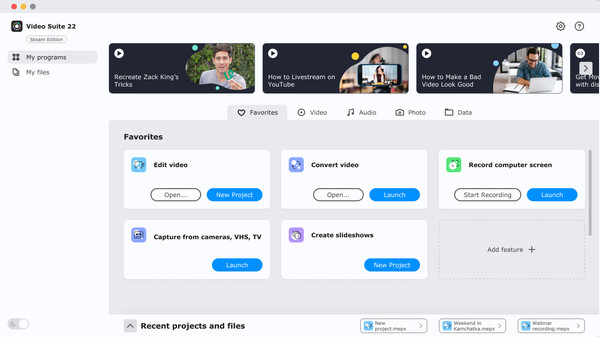
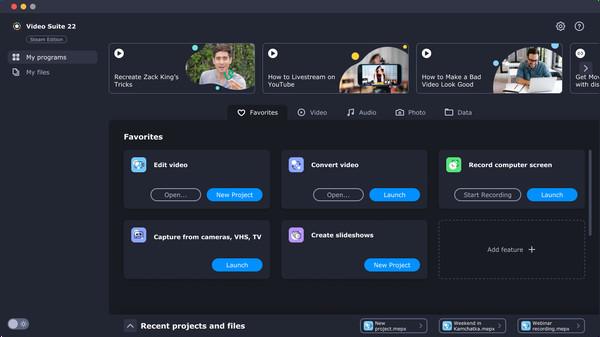
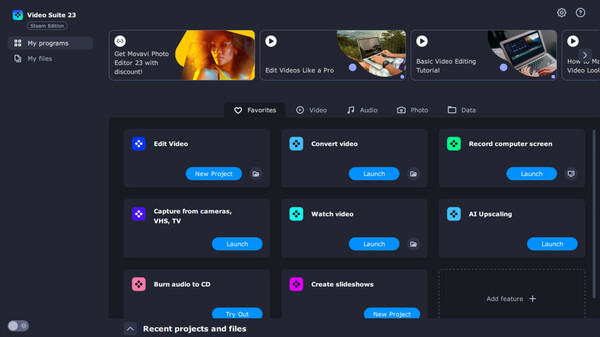
Movavi Video Suite is an all-in-one app that will help you create your own video editing ecosystem. You can record your computer screen, edit a video and then convert it to any format you want. Thanks to the handy interface, you can use the program even if you’re a beginner.
Turn your favorite photos and videos into a captivating slideshow. Add music, special effects, transitions, and stickers, then upload the results to YouTube right from within the program. Creating and sharing videos with Movavi is as easy as 1-2-3!
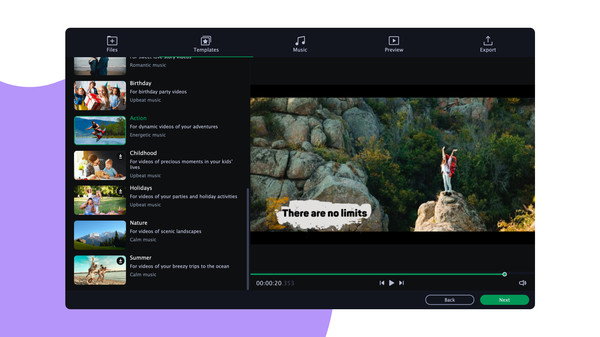
Montage in Movavi Video Editor Plus is easy, fast, and fun. Creating thematic clips, experimenting with sound, and adding special effects are all in reach, even if you have no video editing experience. You can be uploading files directly on YouTube in 20 minutes, so embrace your creative self!
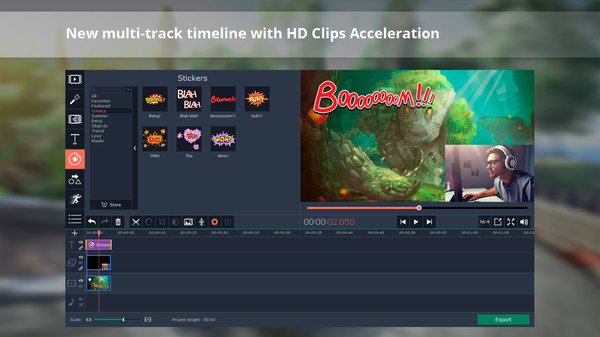
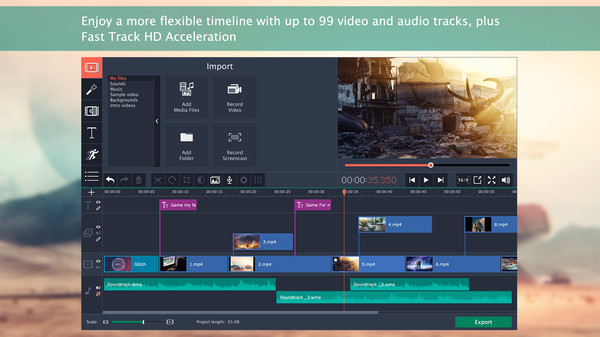
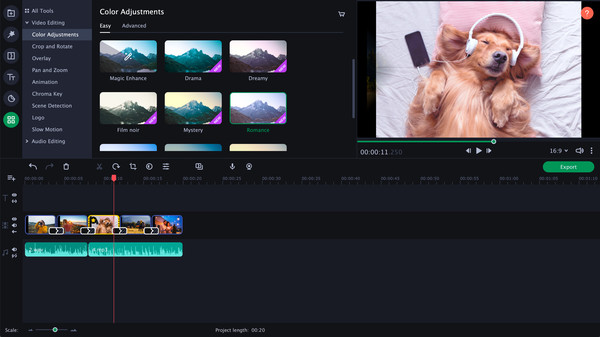
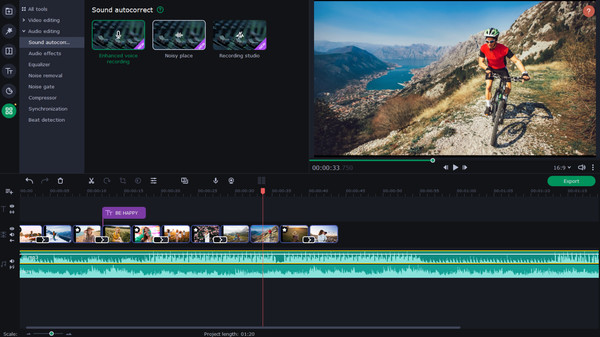
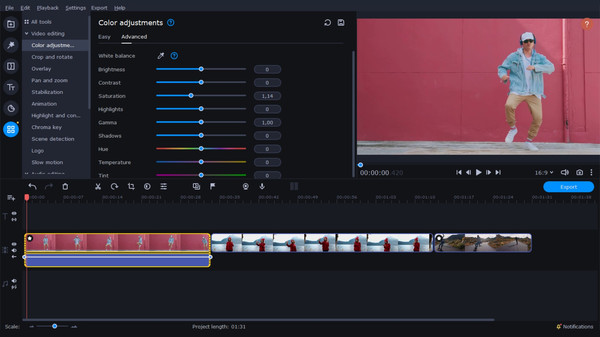
Partner with Movavi Video Editor Plus 2021 and create your own video stories! Edit your footage on the handy multi-track timeline, apply professional special effects, and upload the results to YouTube right from the program. Video editing with Movavi gives you true creative freedom.
Movavi Video Suite is the perfect way to get all the tools you need in a single app. Create your own video stories, convert gameplay and other footage between 180 different formats in no time, capture screen activity, play videos, and much more.
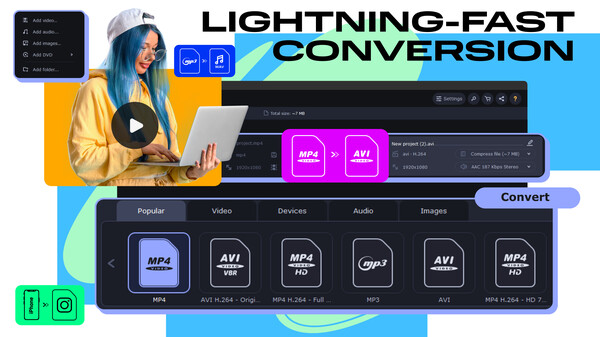
Need to convert media files fast? Here's your go-to converter for changing video, audio, and image file formats in a flash. Take advantage of the 180+ formats for conversion to ensure your files can be used on any device. Effortlessly improve the quality of your media with powerful AI tools.
Give feedback or send a smile 😊 here and check out these great games:
If you'd like to promote your game here just send a letter to [email protected]
Change file formats, reduce your media file size, and convert movies to watch on your smartphone or tablet. Add colorful filters and convert TV series in SuperSpeed mode in no time.
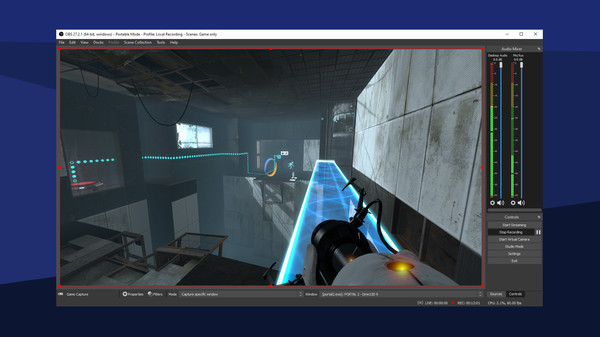
Free and open-source software for video recording and live streaming
Give free rein to your creativity with Movavi Video Editor Plus 2020! Its intuitive controls help you start editing right away: cut and join clips, add special effects and titles, then upload the results to YouTube right from the program. Video editing with Movavi is fast, simple, and fun.
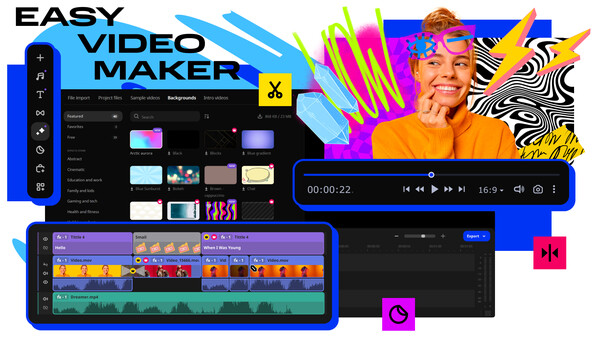
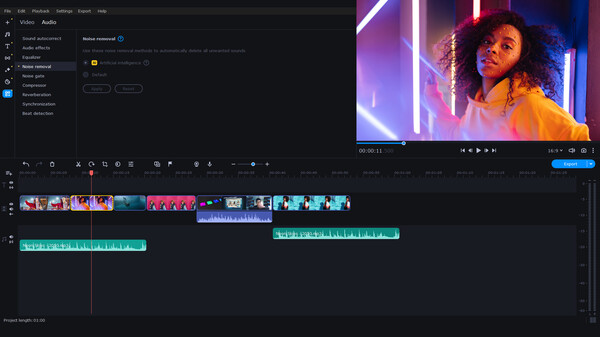
Your simple yet powerful editor for creating wow videos - Fast and easy editing: cut, crop, adjust colors and speed - One-click AI tools: auto subtitles, noise removal, and more - Hundreds of filters, transitions, titles, overlays
Your simple yet powerful editor for creating wow videos. Whether you’re creating immersive walkthroughs, exciting game highlights, or engaging Let's Plays, Movavi Video Editor has you covered with must-have editing tools and dynamic special effects to give your content some extra zing.
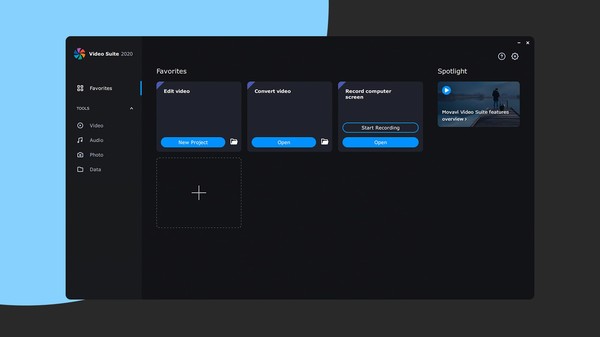
Your do-it-all video-making bundle: a video editor, media converter, screen recorder, and more. Handy video editing, file conversion, and screen recording. One-click AI tools: auto subtitles, noise removal, and more. Hundreds of filters, transitions, titles, overlays.
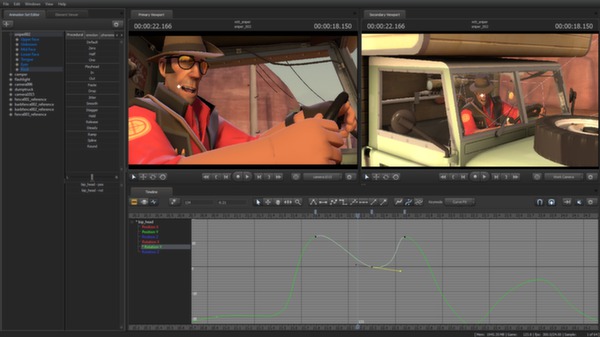
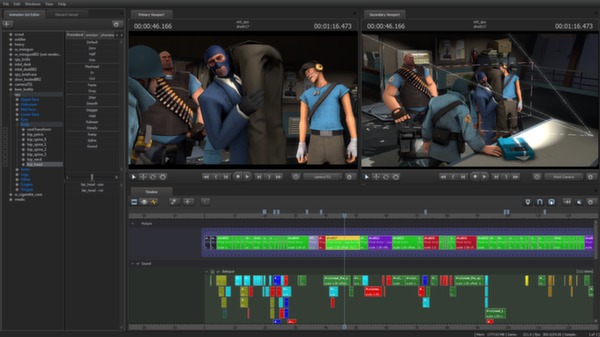
The Source Filmmaker (SFM) is the movie-making tool built and used by us here at Valve to make movies inside the Source game engine. Because the SFM uses the same assets as the game, anything that exists in the game can be used in the movie, and vice versa.
Simplify your game video-editing routine with Movavi’s all-in-one video maker. Edit footage, convert multimedia files to 180+ formats, record video instructions and tutorials, and grab streaming videos. Have fun and maximize the number of views on YouTube, TikTok, and Vimeo.
VEGAS Pro 14 Edit – Steam Edition provides powerful functionality and advanced features for top-end professional video and audio editing.
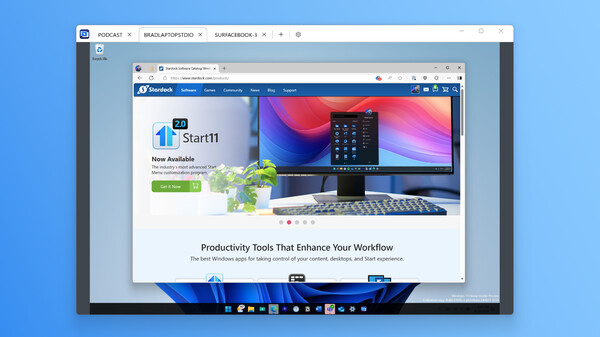
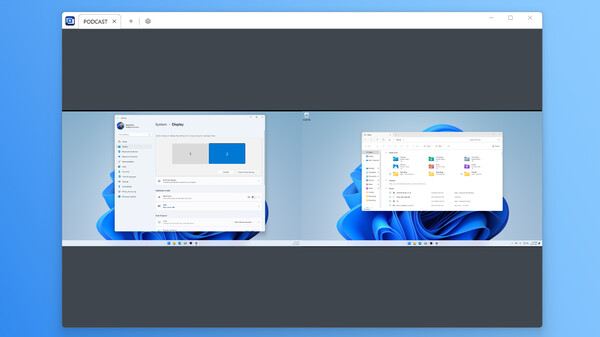
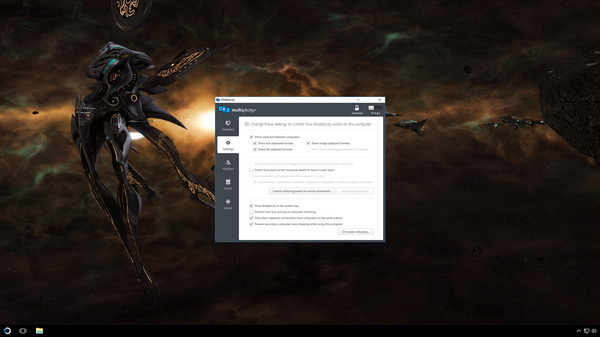
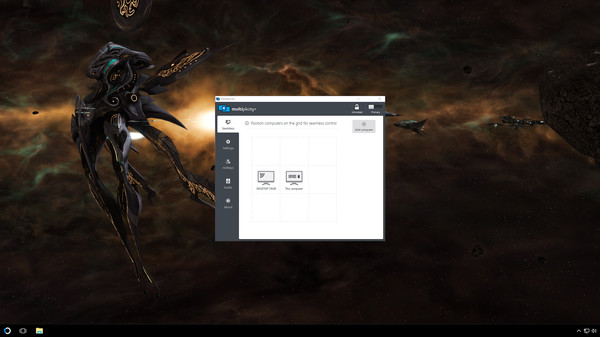
Connect and control multiple PCs with one keyboard and mouse. Share files, audio, and clipboard content, switch between devices securely, and even use PCs as extra monitors. Multiplicity 4 streamlines your multi-device workflow, perfect for work, gaming, and creative projects.
Connect and control multiple PCs with one keyboard and mouse. Share files, audio, and clipboard content, switch between devices securely, and even use PCs as extra monitors. Multiplicity 4 streamlines your multi-device workflow, perfect for work, gaming, and creative projects.
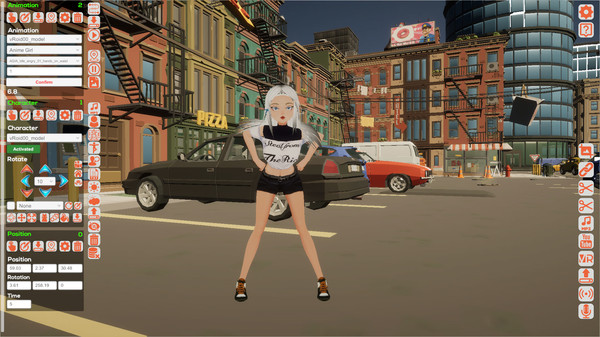
Clip Maker is a creative tool for making videos, animations, visual novels, comics & VR scenes. Easy to use, packed with assets, and exportable in 4K, 8K, VR, GIF, and more.
Give feedback or send a smile 😊 here and check out these great games:
If you'd like to promote your game here just send a letter to [email protected]
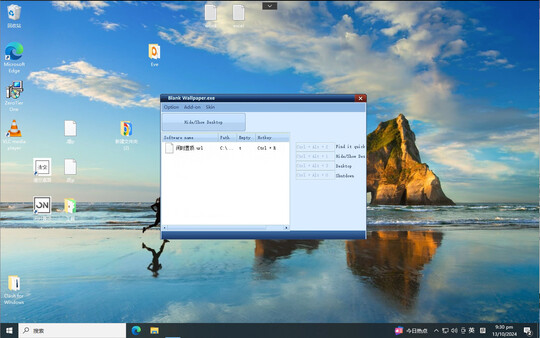
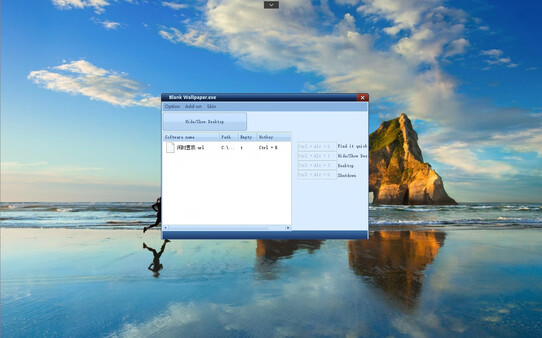
Blank Wallpaper enhances desktop aesthetics by clearing the desktop, providing a complete wallpaper view for a clearer visual experience. It is perfectly compatible with Wallpaper Engine, allowing users to fully enjoy stunning wallpapers in a clean virtual space.
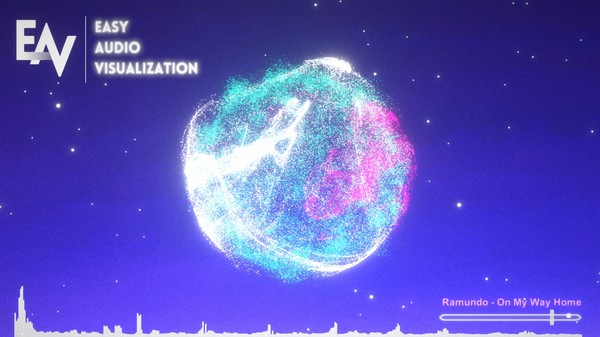
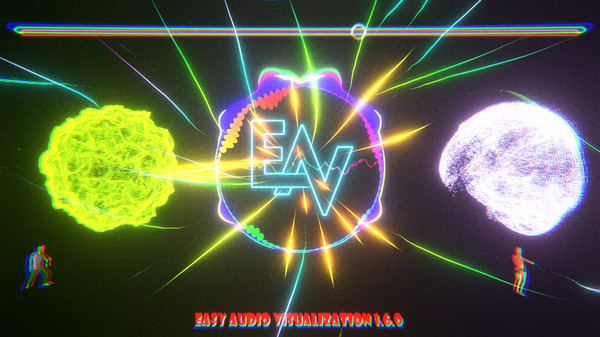
Creating an audio visualizer has never been simpler and faster than with Easy Audio Visualization, an easy to use, all-in-one software to get the perfect audio visualization for your music. Create professional music videos just like popular music channels on YouTube do, with ease and at a low price.
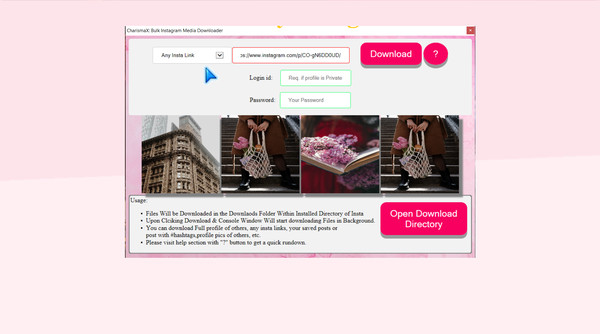
Charisma X: Bulk Instagram Media Downloader is a software for downloading Instagram profile, photos, videos, your saved post or insta feed or any specific insta item in matter of seconds with just a simple click. etc in bulk with single click.
Instantly connect up to 2 PCs and control them with a single keyboard and mouse, copy/paste formatted text and images, send data easily between computers, and more. If you work between multiple computers to play, work, and create, Multiplicity is the tool you need to get more done.
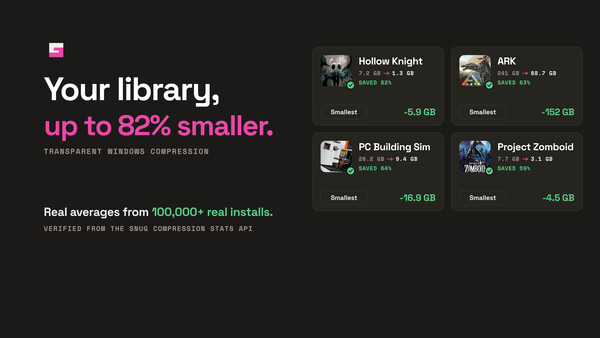
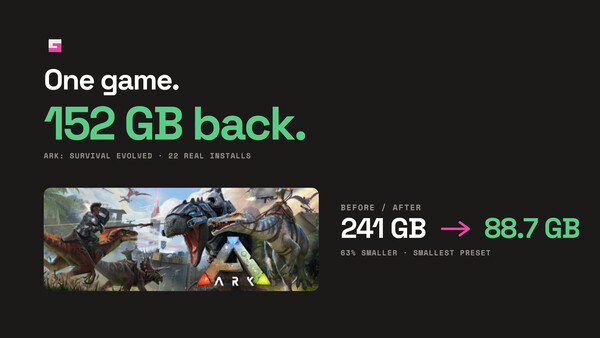
SNUG is a friendly front-end for Windows' built-in NTFS compression. Compress files, apps, games, and project folders with a click — no command line required. Set it and forget it, with automatic compression for new files.
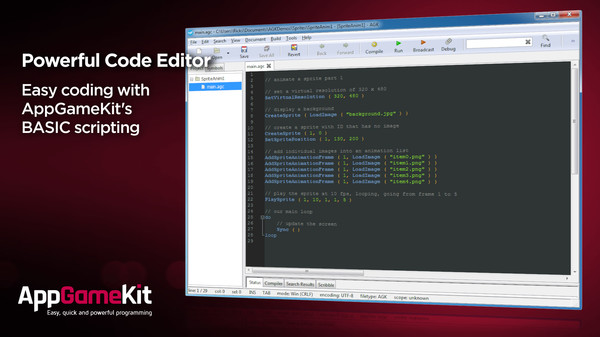
AppGameKit Classic is a powerful game development engine, ideal for Hobbyist and Indie developers. Choose to code in the easy to learn AppGameKit BASIC or use our libraries in C++ & XCode. Write your code once and deploy easily to multiple mobile & desktop platforms.
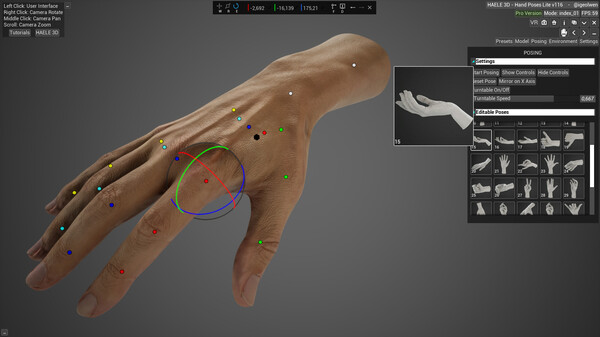
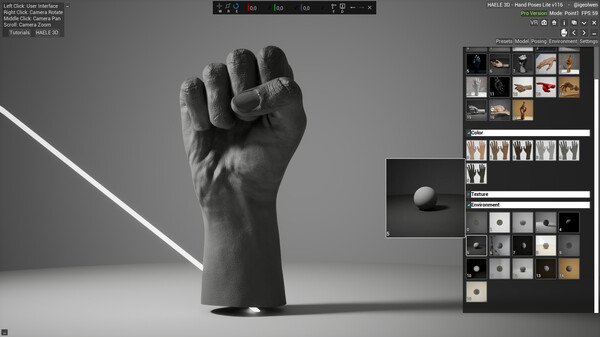
HAELE 3D - Hand Poser Lite is an easy to use 3D hand anatomy reference tool for the artist, with custom and preset hand poses, editable lights, colors and environment. It is a must have software for drawing, painting, sculpting or modeling. Comes with the essential functions of the Pro version.
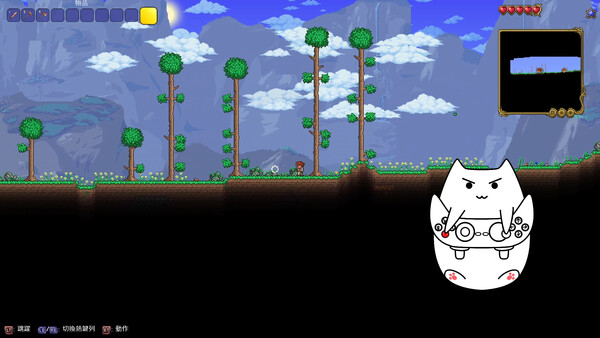
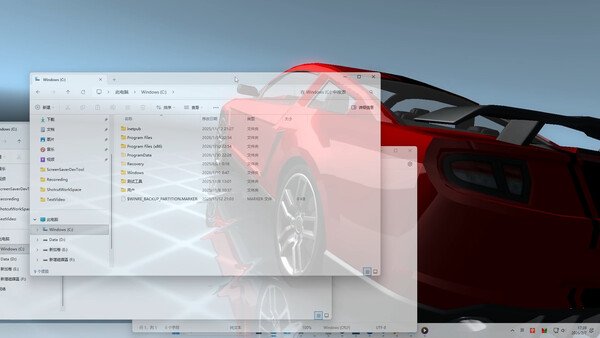
A fun window overlay software that supports audio visualization, Live2D animation, in-game overlays (keyboard/mouse control visualization, gamepad control visualization, custom game crosshair), dynamic screensavers, dynamic lock screens, window transparency, and more.
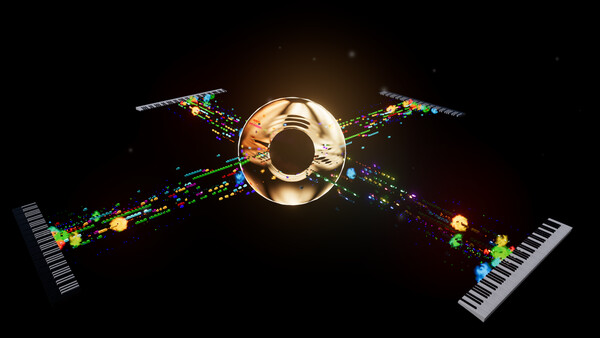
Create musical content with real-time MIDI visualization, Magic Piano, Floating Labels, built-in camera support, and cinematic Stages. Designed for creators, pianists, educators, and streamers.

Promote your game here: [email protected]


SteamPeek game discovery displays many games, some with adult content.
By choosing YES and using this website you are affirming that you are at least 18 years of age or the age of majority in each and every jurisdiction in which you will or may view adult material, whichever is higher; such materials doesn't offend you; and viewing the adult material is legal in each and every community where you choose to view it. Also the material you are viewing is for your own personal use and you will not expose any minors to the material.
The detection of adult content is not perfect. If you don't accept this, please go back, or close this page.