Design & IllustrationPixel GraphicsAnimation & ModelingFree to PlaySoftwareGame DevelopmentPhoto EditingTutorial
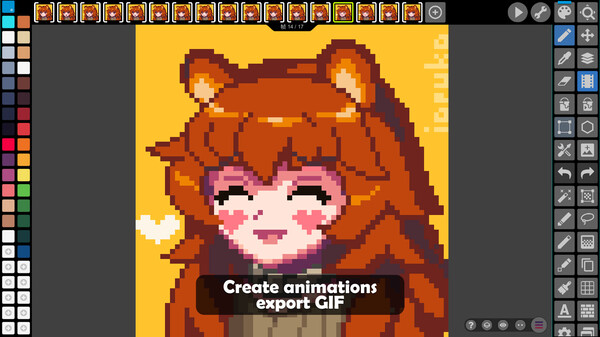
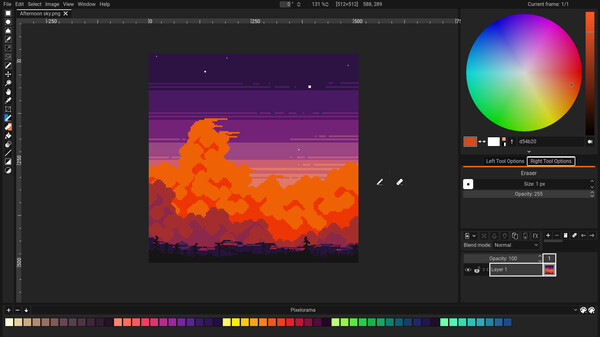
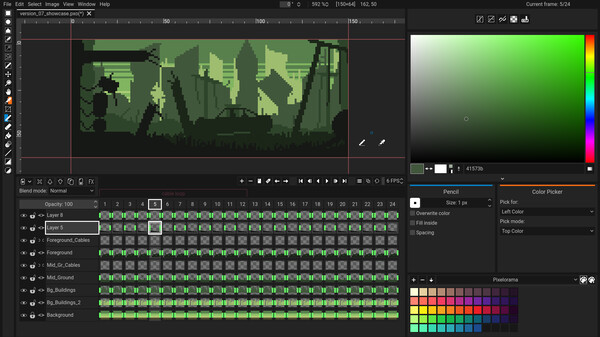
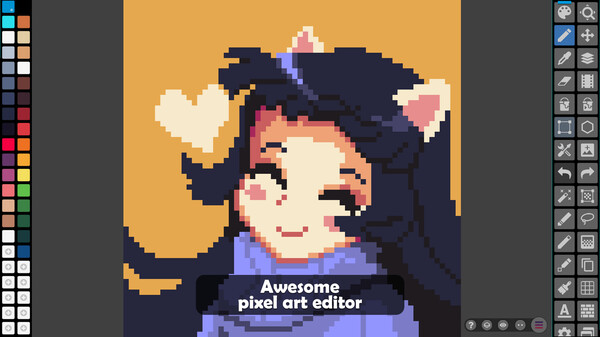
Pixel Studio - pixel art editor
Best pixel art editor. Simple. Fast. Portable.
Give feedback or send a smile 😊 here and check out these great games:




If you'd like to promote your game here just send a letter to [email protected]
The top results based on the latest update are Krita [Score: 1.0], ePic Character Generator [Score: 0.9] and HAELE 3D - Hand Poses Lite - Drawing References [Score: 0.9] The top rated games you can find here are Wallpaper Engine [SteamPeek Rating: 12.1] ranked #14, Blender [SteamPeek Rating: 10.2] ranked #13 and Aseprite [SteamPeek Rating: 10.1] ranked #7 Also don't forget to check the newest releases HAELE 3D - Portrait Studio Lite - Drawing References [Release date: 2026-06-22] ranked #15, GIF Pal [Release date: 2025-11-18] ranked #12 and Forepaper Engine [Release date: 2025-10-30] ranked #21 While it is tempting to play with the newest and the best, there might be some other gems in the results, like Blender [SteamPeek Rating: 10.2] ranked #13, Wallpaper Engine [SteamPeek Rating: 12.1] ranked #14 and GameGuru Classic [SteamPeek Rating: 5.5] ranked #17.
Best pixel art editor. Simple. Fast. Portable.
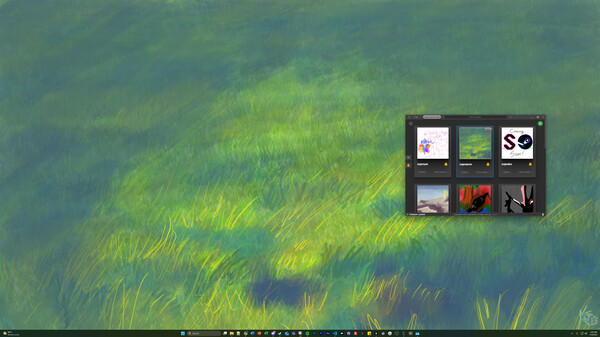
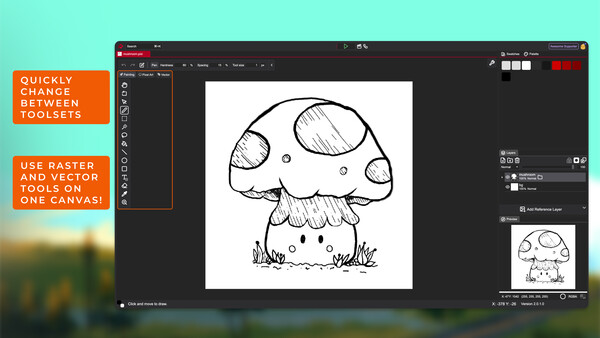
Hey there, Pixel Studio peeps! GameGal here, ready to rock your gaming world with my spunky pitch for the best pixel art editor game in town! Now hold onto your joysticks, 'cause things are about to get pixel-perfect!
Picture this: a pixel art editor that's so simple and user-friendly, it'll have you creating masterpieces faster than you can say "pixelated perfection." No complicated menus or mind-boggling tutorials here. Just a smooth and seamless editing experience, designed to turn your creative visions into reality with ease. Can I get a "heck yeah"?
But hang on, it gets even better! This bad boy is portable. Yep, you heard right. Whether you're gaming on your fancy gaming rig, your trusty laptop, or even your ancient phone, this pixel art editor will always have your back. It's like having a mini studio in your pocket, ready to unleash your inner artist anytime, anywhere.
And let me tell you, the features on this thing are lit. We're talkin' layers for days, vibrant color palettes that'll make your eyes pop, and a whole bunch of cool tools to bring your pixelated dreams to life. Whether you're a seasoned pixel artist or just starting out, Pixel Studio will have you sipping coffee and crafting pixel art like a boss in no time.
But wait, there's more! *Cue the infomercial voice* Not only will Pixel Studio make you the pixel art pro you were born to be, but it's also customizable, just like your favorite gaming character. Choose your own background, tweak the interface to match your aesthetic, and add a touch of personalized flair to your editing experience. Because who said pixel art can't be stylish too, am I right?
So, my gaming friends, if you're ready to level up your pixel art game, Pixel Studio is your ticket to creative greatness. It's simple, it's fast, it's portable, and it's waiting for you to unleash your artistic awesomeness. Don't miss out on this epic opportunity to become a pixel art legend. GameGal out! *mic drop*
~ GameGal, #AI #review #inaccurate #fun
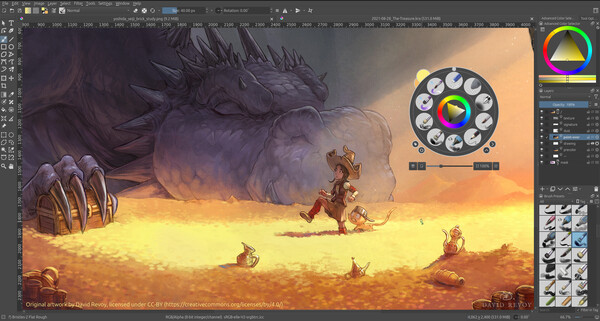
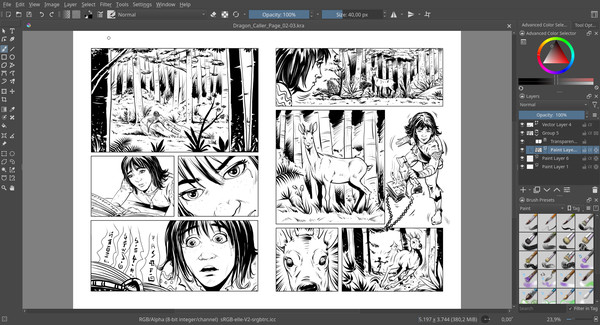
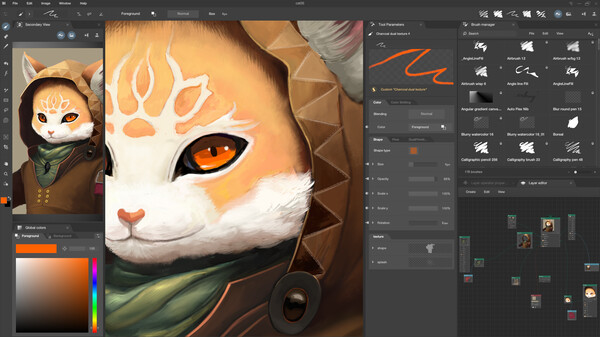
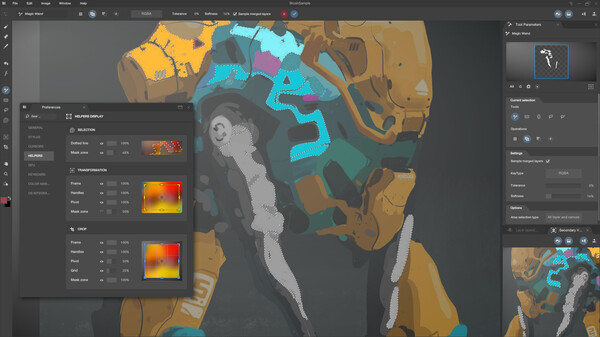
Krita is a powerful, open source and community-driven digital art tool for illustrators, concept designers, animators, comic book artists, game developers, and anyone who wants to express themselves through the creation of visual art.
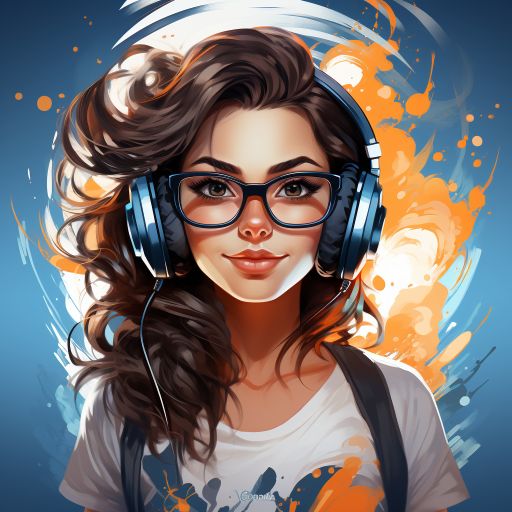
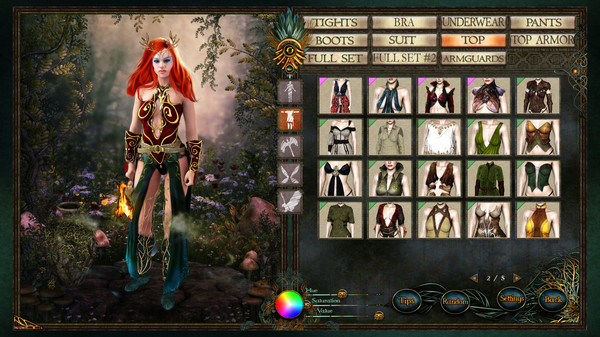
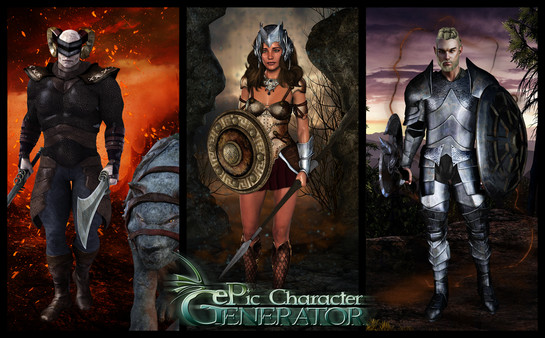
Create realistic or hand-drawn character images you can use as assets for your games, illustrations for your stories, or avatars for your role-playing sessions. Export your images as PNG files with or without a background, or as a layered PSD image for further customization.
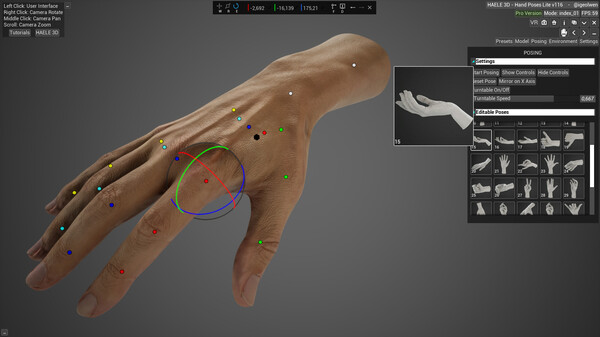
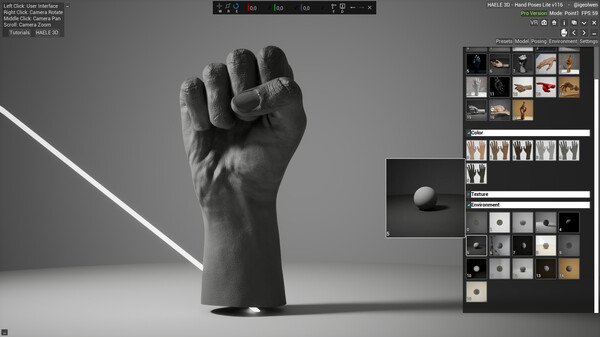
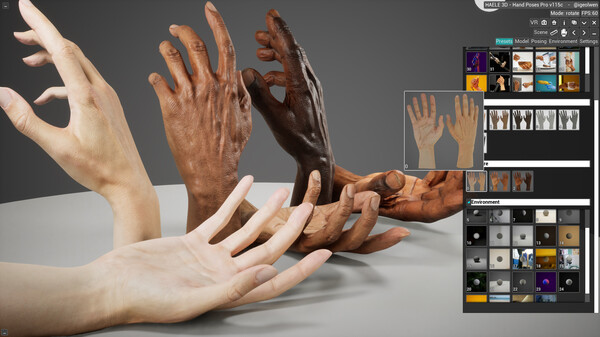
HAELE 3D - Hand Poser Lite is an easy to use 3D hand anatomy reference tool for the artist, with custom and preset hand poses, editable lights, colors and environment. It is a must have software for drawing, painting, sculpting or modeling. Comes with the essential functions of the Pro version.
Explore Black Ink, a GPU-based painting app redefining creativity. Move beyond traditional tools, customize brushes, and let your imagination soar. Node-based system offers limitless control. Create in high-definition without performance loss.
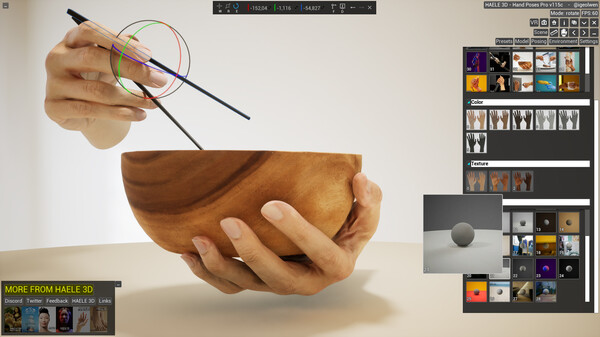
HAELE 3D - Hand Poses Pro is an easy-to-use 3D hand anatomy and gesture reference tool for artists. Explore custom and preset hand poses, various props, editable lights and environments. It complements tutorials and aids practicing when learning to draw, paint, or sculpt hands.
HAELE 3D - Portrait Studio Pro is 3D facial anatomy drawing reference tool for beginner and advanced artists, with various characters, proportions, expressions lights and environments. It is an easy to use app to complement tutorials, for those who are learning how to draw faces and heads.
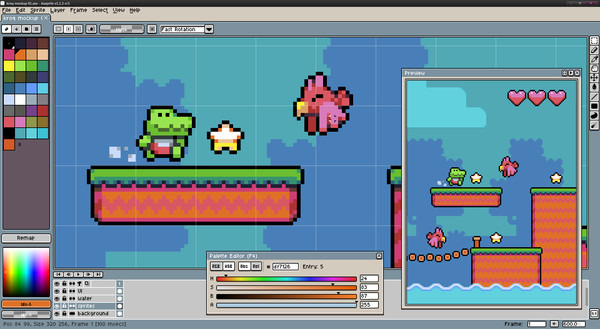
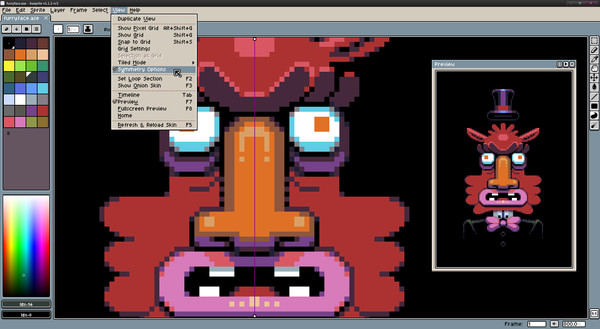
Aseprite is a pixel-art tool to create 2D animations, sprites, and any kind of graphics for games.
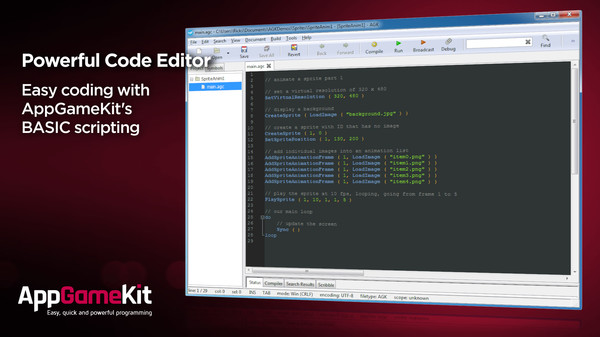
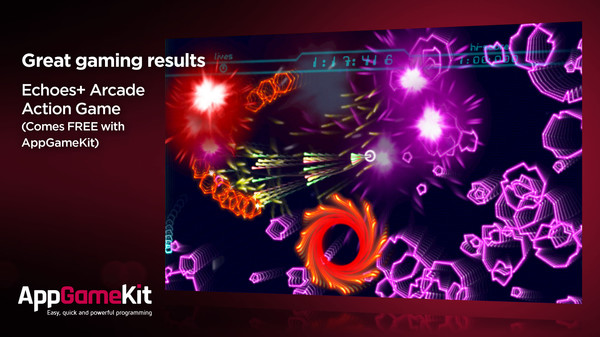
AppGameKit Classic is a powerful game development engine, ideal for Hobbyist and Indie developers. Choose to code in the easy to learn AppGameKit BASIC or use our libraries in C++ & XCode. Write your code once and deploy easily to multiple mobile & desktop platforms.
Unleash your creativity with Pixelorama, a powerful and accessible open-source pixel art multitool. Whether you want to create sprites, tiles, animations, or just express yourself in the language of pixel art, this software will realize your pixel-perfect dreams with a vast toolbox of features.
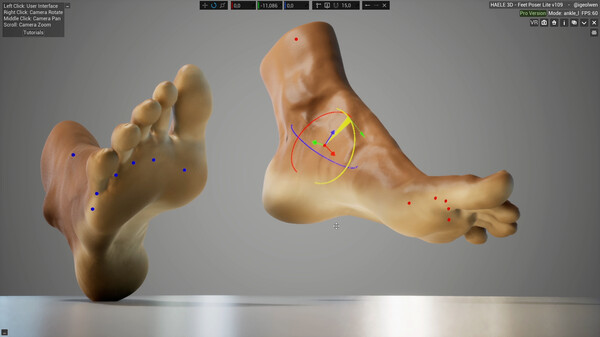
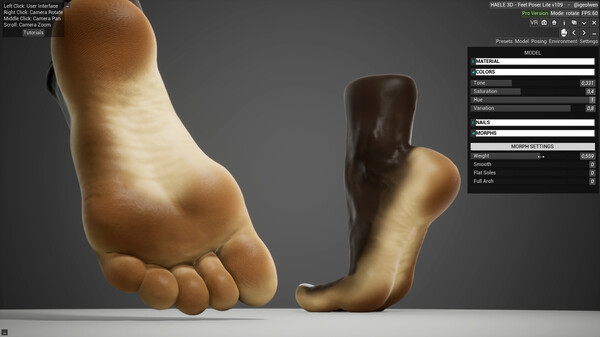
The Lite version of HAELE is a versatile 3D feet poser and customizer app It is an easy to use foot anatomy drawing reference tool for the artist, with a wide palette of detailed options and poses to create highly realistic feet and edit its environment.
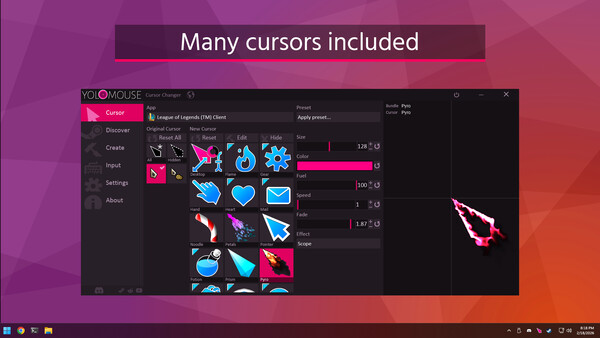
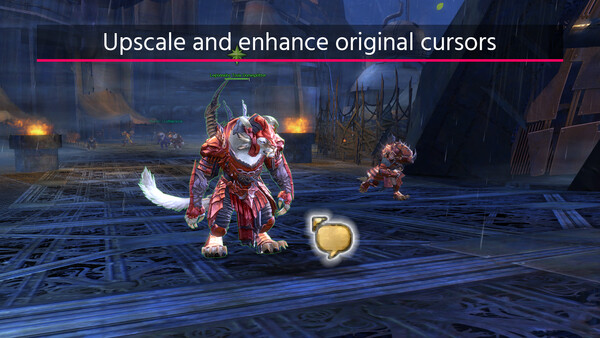
Use YoloMouse to change those obscure game or app cursors. Replace, resize, add effects and style. Never lose your cursor in a heated battle again!
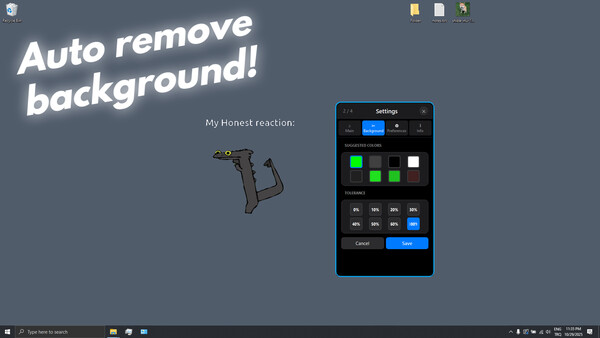
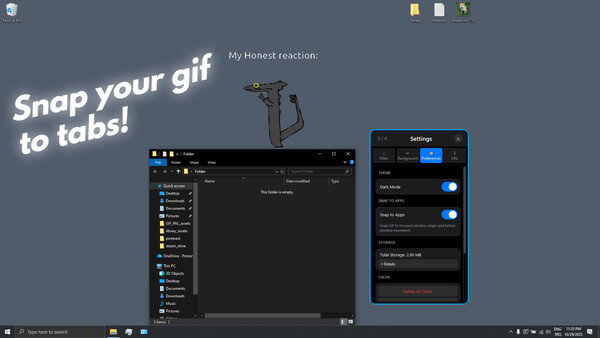
Manage animated desktop pets with advanced tools for background removal, outline styling, scaling, and movement control. Supports GIF importing, collider calculation, and real-time customization for smooth, interactive pet behavior.
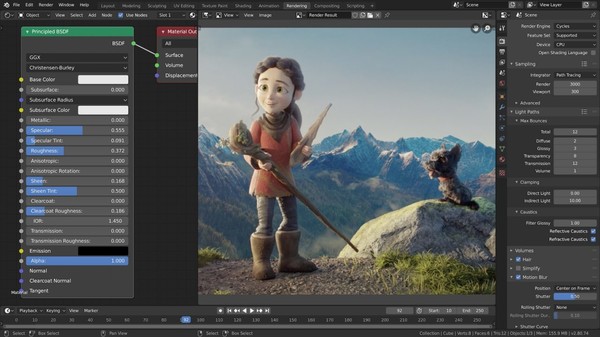
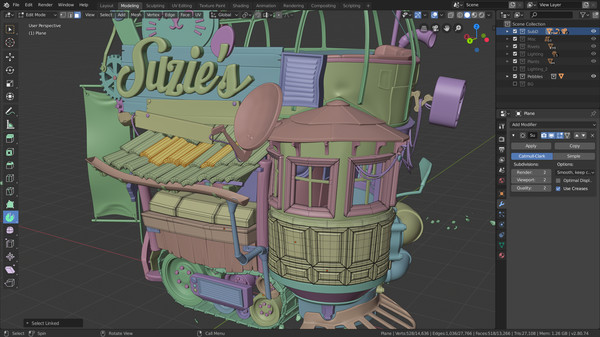
Blender is the free and open source 3D creation suite. Free to use for everyone, for any purpose.
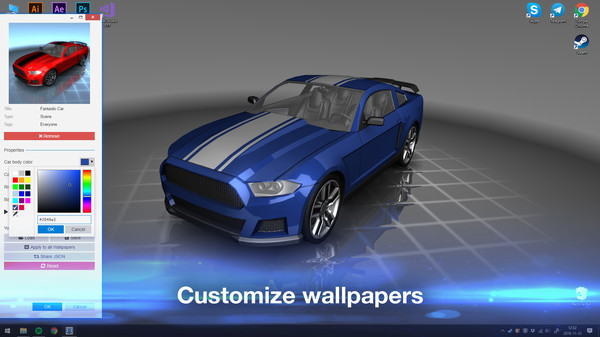
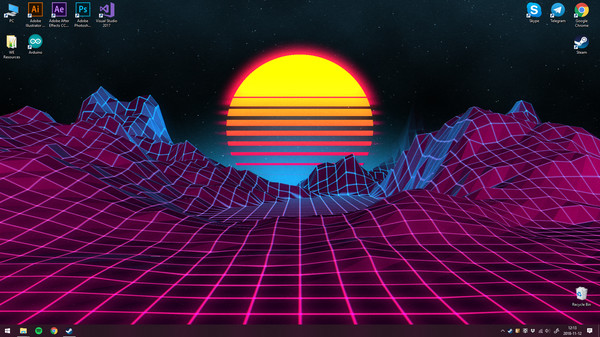
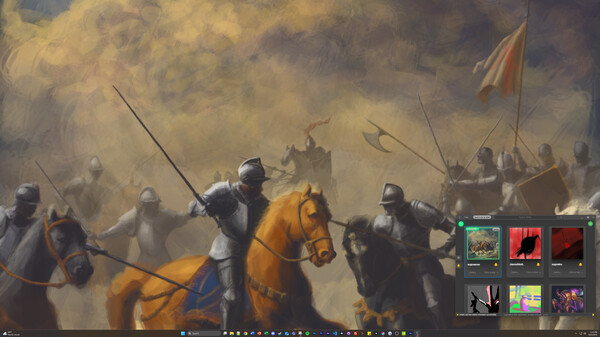
Use stunning live wallpapers on your desktop. Animate your own images to create new wallpapers or import videos/websites and share them on the Steam Workshop!
HAELE 3D - Portrait Studio Lite is a facial anatomy drawing reference tool designed for beginners to advanced artists. It includes a variety of realistic and simplified characters, expressions, and editable lighting. It is easy to use and made to complement tutorials. It helps artists practice and improve their face drawing skills.
Give feedback or send a smile 😊 here and check out these great games:
If you'd like to promote your game here just send a letter to [email protected]
An art based wallpaper app. Live-streamed art directly to your desktop wallpaper. SuprSketch lets real human artists paint on your wallpaper in real time, turning your wallpaper into a living art installation.
GameGuru Classic is a non-technical and fun game-maker. It allows you to build your own game world, using creative and enjoyable tools. Populate your game by placing down characters, weapons and other game items, then press one button to build your game, ready to play and share.
PixiEditor is a universal 2D editor with tools and features for all your 2D needs. It blurs the line between vector and raster graphics. Create animations, procedural graphics, draw pixel-art, edit photos, vectors and more!
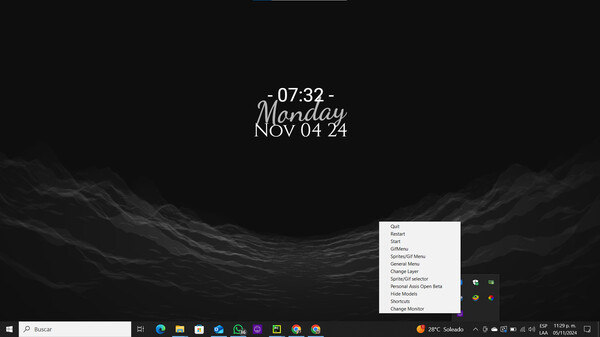
MinteraDesktop lets you decorate your Desktop with 'virtual pets' (GIFs, images, sprites, Live2D models, etc.). With the AI background removal tool, the only limit is your imagination! Create unique models, share them, or find them to have the ultimate customization experience!
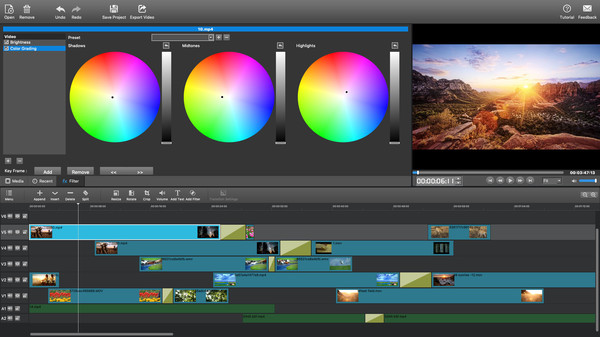
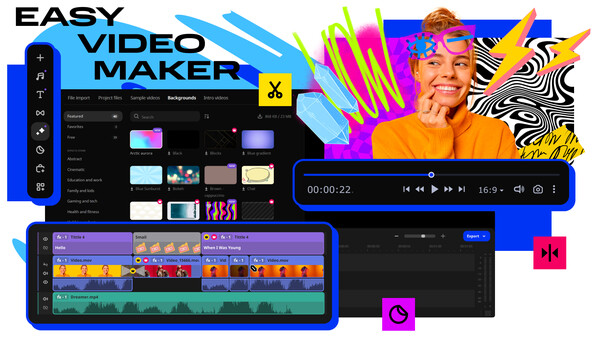
MovieMator Video Editor Pro is a handy and useful video editing software. It easily creates a variety of eye-catching animation effects with keyframes and provides the basic editing features like trimming, cropping, splitting, rotating, adding subtitle.
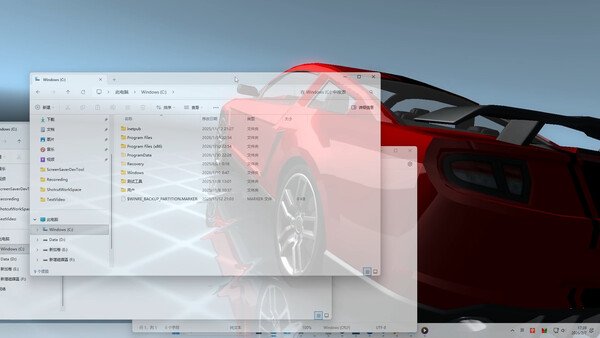
A fun window overlay software that supports audio visualization, Live2D animation, in-game overlays (keyboard/mouse control visualization, gamepad control visualization, custom game crosshair), dynamic screensavers, dynamic lock screens, window transparency, and more.
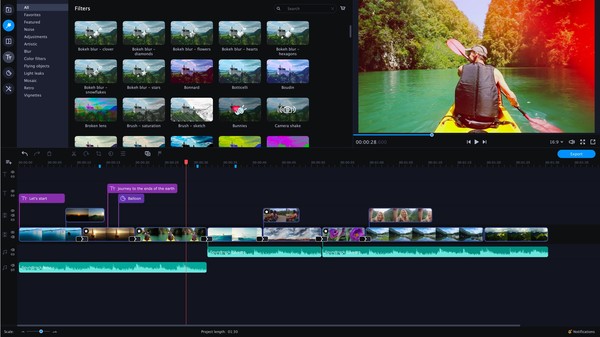
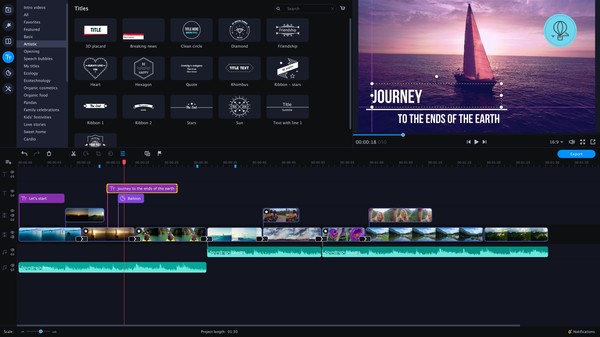
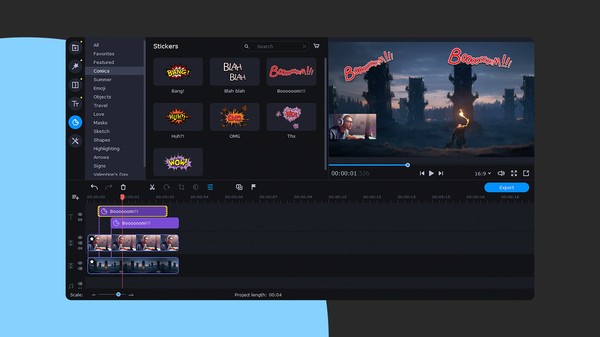
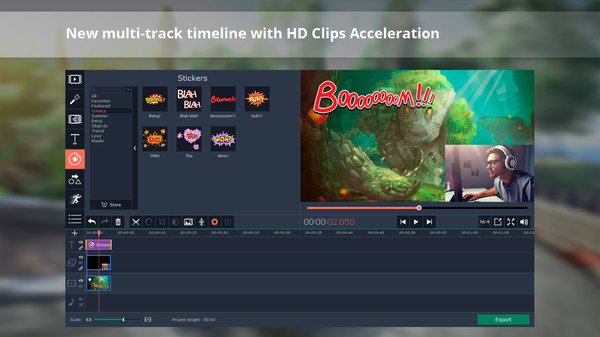
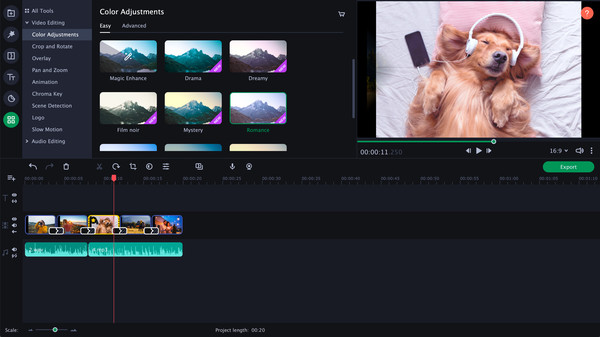
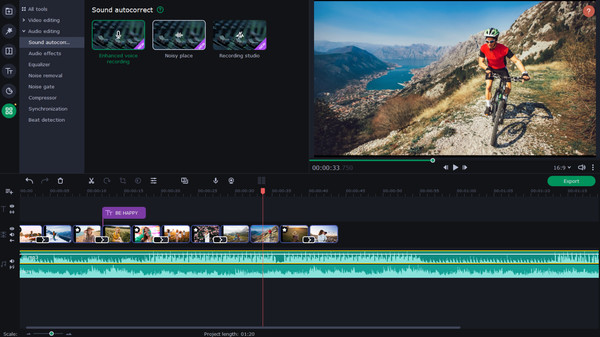
Give free rein to your creativity with Movavi Video Editor Plus 2020! Its intuitive controls help you start editing right away: cut and join clips, add special effects and titles, then upload the results to YouTube right from the program. Video editing with Movavi is fast, simple, and fun.
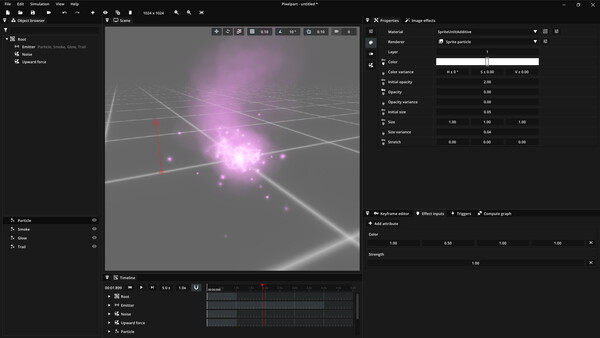
Visual effects for your game! Design animated effects in this particle-based editor and play them in your games. Use the game engine plugins or export effects to sprite sheets, image sequences and videos.
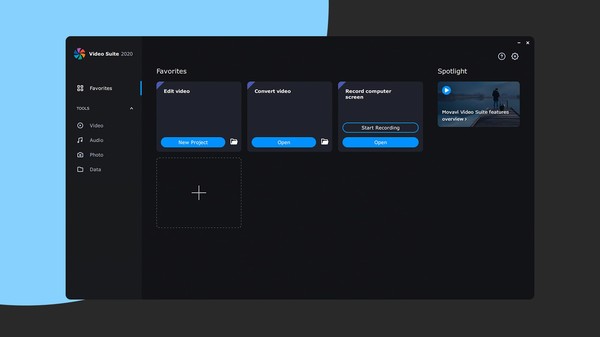
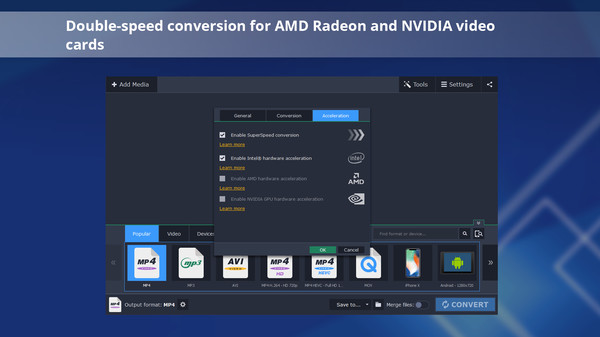
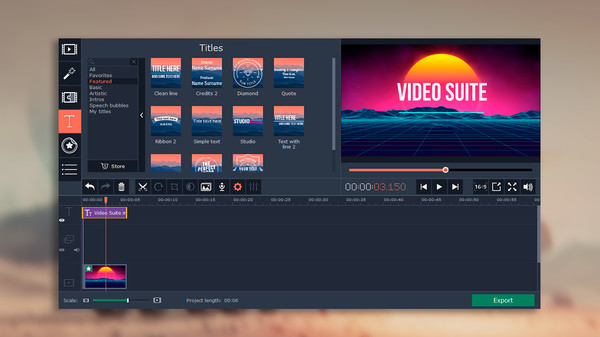
Movavi Video Suite 2020 Steam Edition is the perfect tool for anyone learning how to create and edit videos. Convert gameplay and other videos between 180 formats in an instant, and much more.
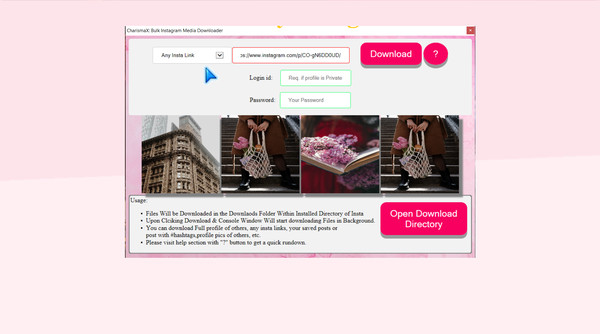
Charisma X: Bulk Instagram Media Downloader is a software for downloading Instagram profile, photos, videos, your saved post or insta feed or any specific insta item in matter of seconds with just a simple click. etc in bulk with single click.
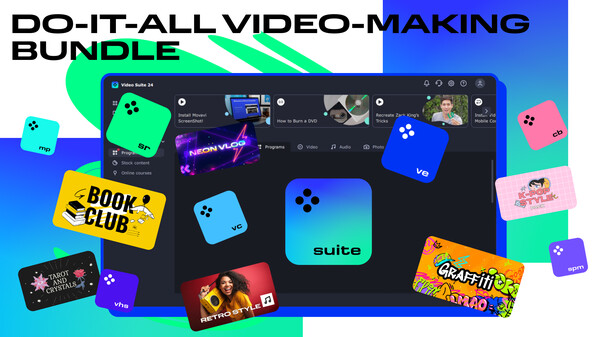
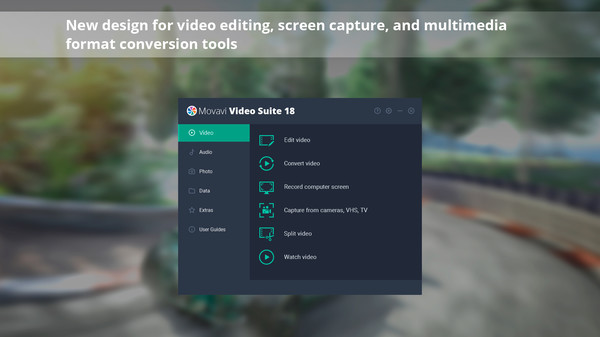
Create awesome video projects easily in your do-it-all video-making bundle: a video editor, media converter, screen recorder, and more. Elevate your video creation experience with a wide set of tools that’ll make your content stand out.
Movavi Video Suite is a must have for anyone who wants all the top-notch video editing tools in one app. Take your video editing to the next level with these advanced tools, capture screen activity at optimal quality, convert gameplay and videos between 180 formats in an instant & much more
Give feedback or send a smile 😊 here and check out these great games:
If you'd like to promote your game here just send a letter to [email protected]
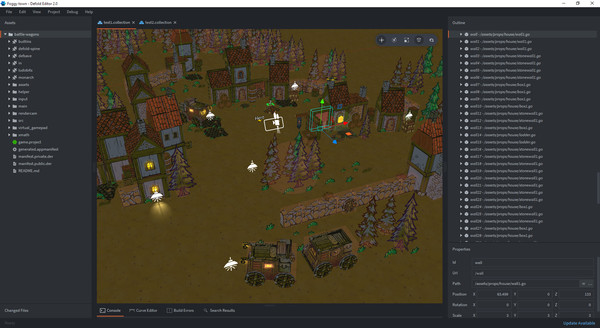
Defold is a free and open game engine used for development of desktop, mobile and web games.
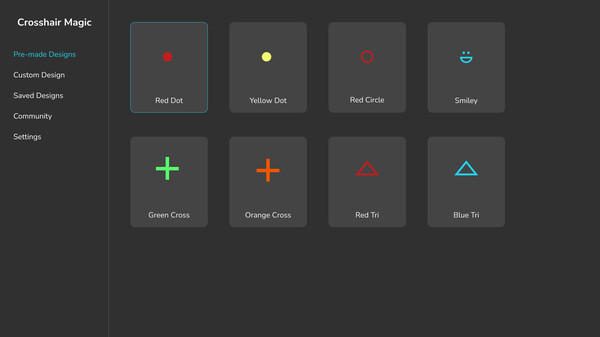
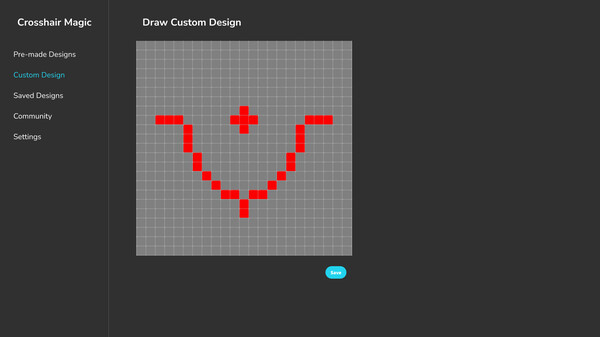
Use a custom crosshair overlay in any game and gain a competitive advantage. Pick from a huge catalog of pre-made crosshairs or create your own.
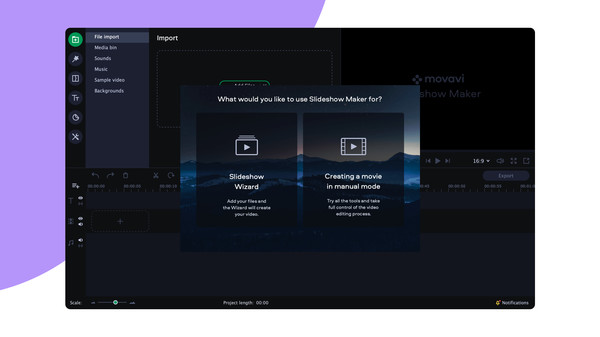
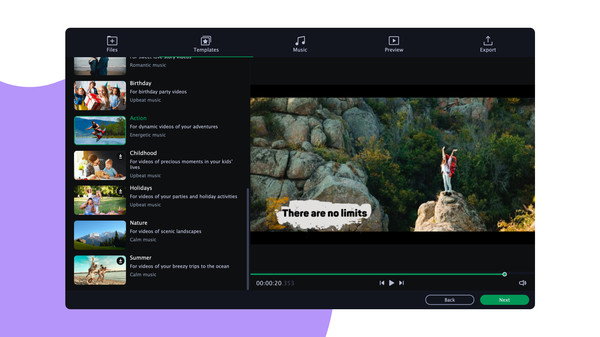
Turn your favorite photos and videos into a captivating slideshow. Add music, special effects, transitions, and comic stickers to make your presentation even more engaging. Then share your result with friends or upload on YouTube right from within the program.
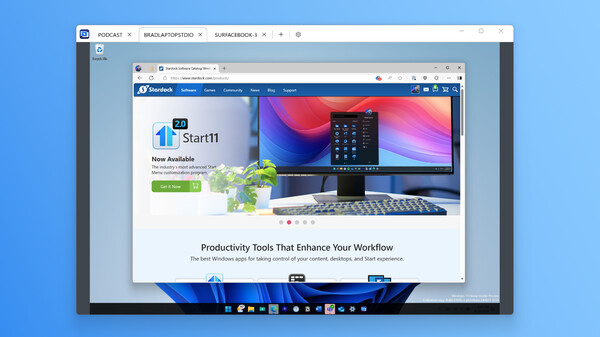
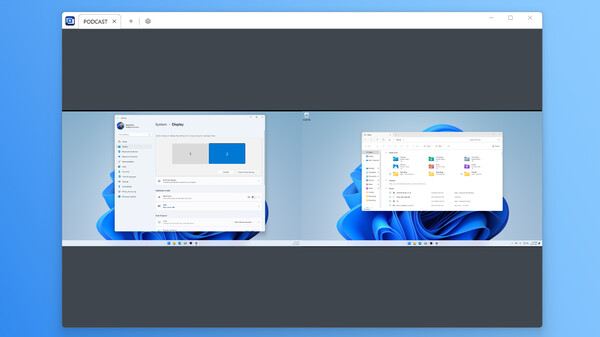
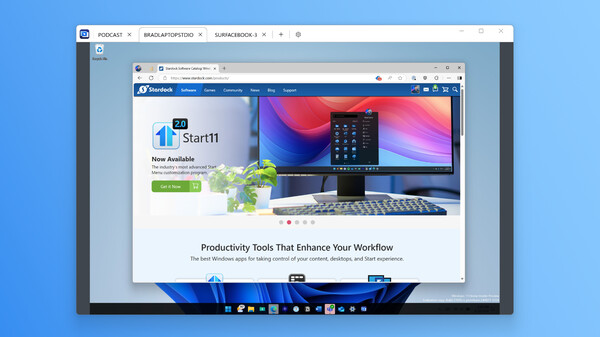
Connect and control multiple PCs with one keyboard and mouse. Share files, audio, and clipboard content, switch between devices securely, and even use PCs as extra monitors. Multiplicity 4 streamlines your multi-device workflow, perfect for work, gaming, and creative projects.
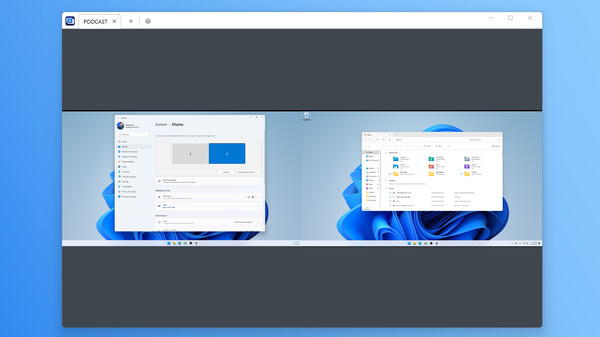
Connect and control multiple PCs with one keyboard and mouse. Share files, audio, and clipboard content, switch between devices securely, and even use PCs as extra monitors. Multiplicity 4 streamlines your multi-device workflow, perfect for work, gaming, and creative projects.
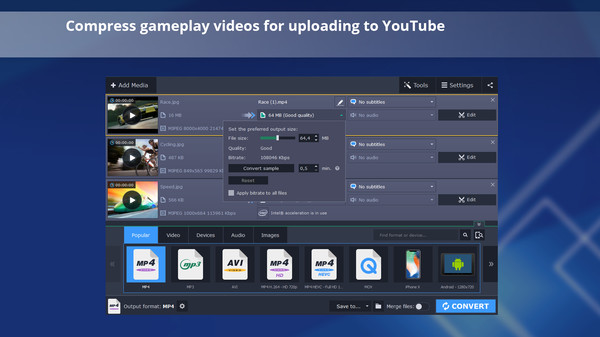
Reduce the size of gameplay and other videos for uploading online or storing on disk, trim your footage instantly without the need to convert it, and change the file format in the blink of an eye thanks to SuperSpeed mode.
Turn your favorite photos and videos into a captivating slideshow. Add music, special effects, transitions, and stickers, then upload the results to YouTube right from within the program. Creating and sharing videos with Movavi is as easy as 1-2-3!
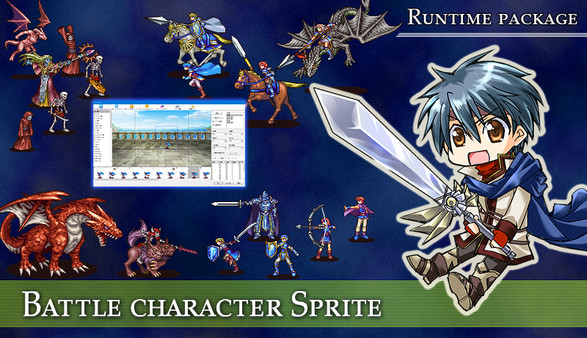
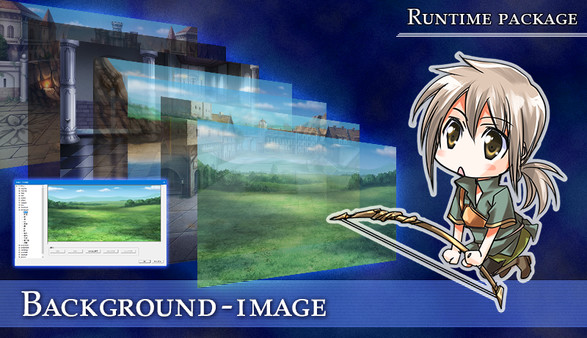
"I want to create an original game on my own!" The software has just been released to make your dream come true. By using SRPG Studio, you can easily create a 2D SRPG (Simulation RPG).
Easily manage all your media files with this ultimate collection of Movavi’s top apps: join and edit videos, capture desktop activity, digitize videotapes, and convert files between 180+ different formats.

Promote your game here: [email protected]

SteamPeek game discovery displays many games, some with adult content.
By choosing YES and using this website you are affirming that you are at least 18 years of age or the age of majority in each and every jurisdiction in which you will or may view adult material, whichever is higher; such materials doesn't offend you; and viewing the adult material is legal in each and every community where you choose to view it. Also the material you are viewing is for your own personal use and you will not expose any minors to the material.
The detection of adult content is not perfect. If you don't accept this, please go back, or close this page.